



Guaranteed Reviews

Free shipping from €299

Installment payment with no fees via Alma

2-year warranty
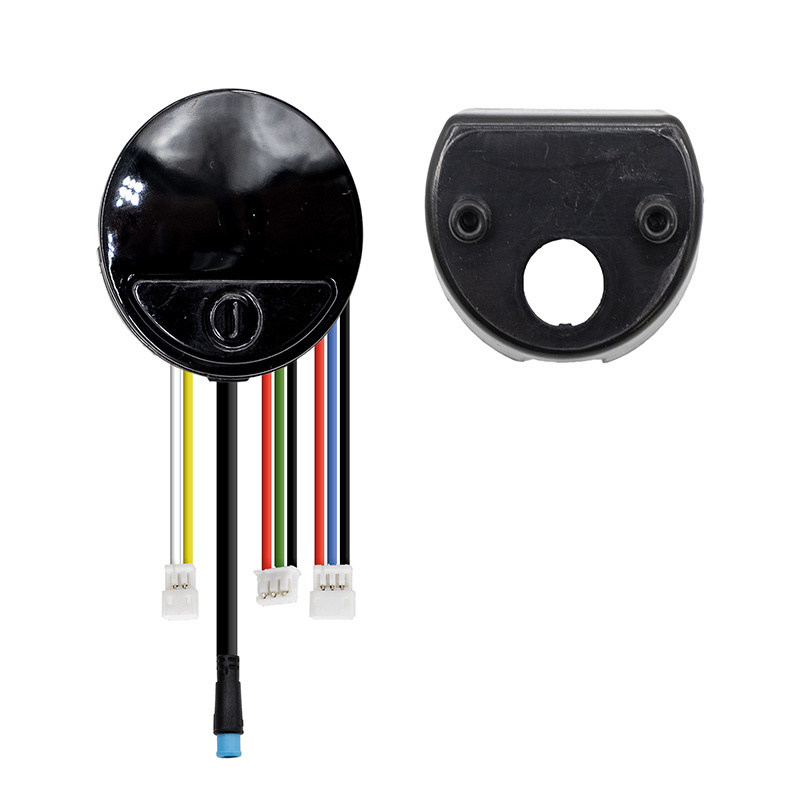
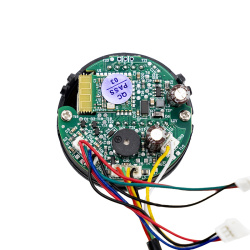
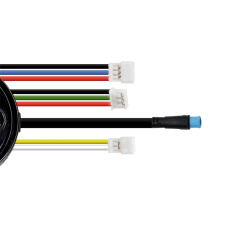
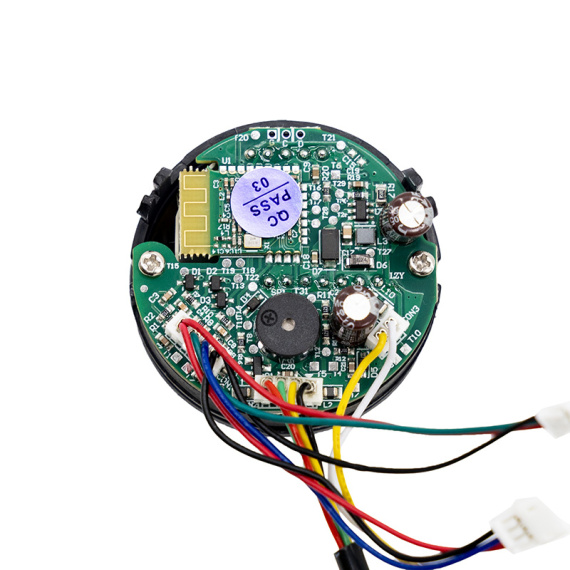
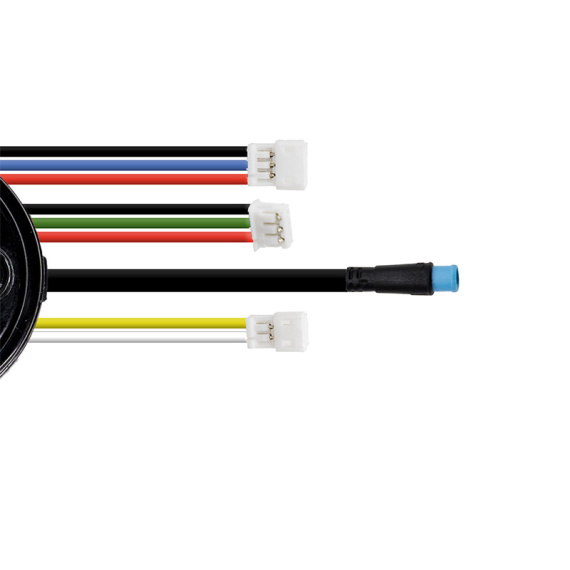
Bring your electric mobility back to life with theNinebot E25E display screen, an essential part for restoring a clear display and greater peace of mind in everyday use. Designed to replace a damaged or illegible screen, this screen/display gives you better control over driving information and makes your journeys safer by keeping your directions visible.
Designed for the world ofelectronics for electric mobility vehicles, this screen is aimed at users looking for a reliable solution for repairing or maintaining their equipment. It's part of a clean, sustainable approach to restoring your equipment to service, minimizing downtime and promoting longevity.
Scroll down the page to see detailed technical specifications at the bottom ↓
Warranty : 2 years

Delivery in 3 to 5 business days
Free for orders over €299

Need help?
Contact one of our experts !

Returns within 14 days
Product overview
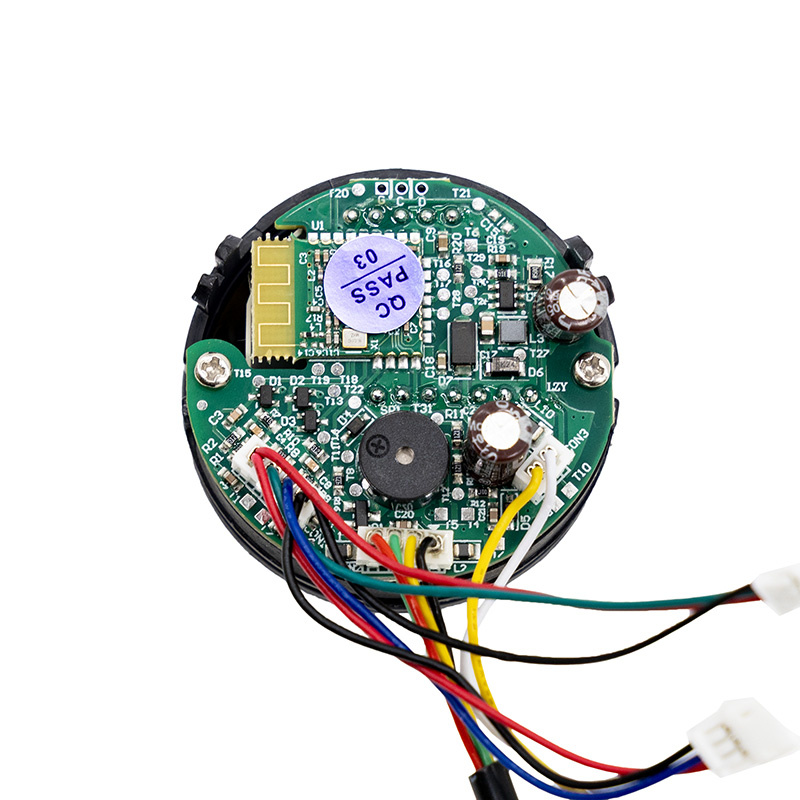
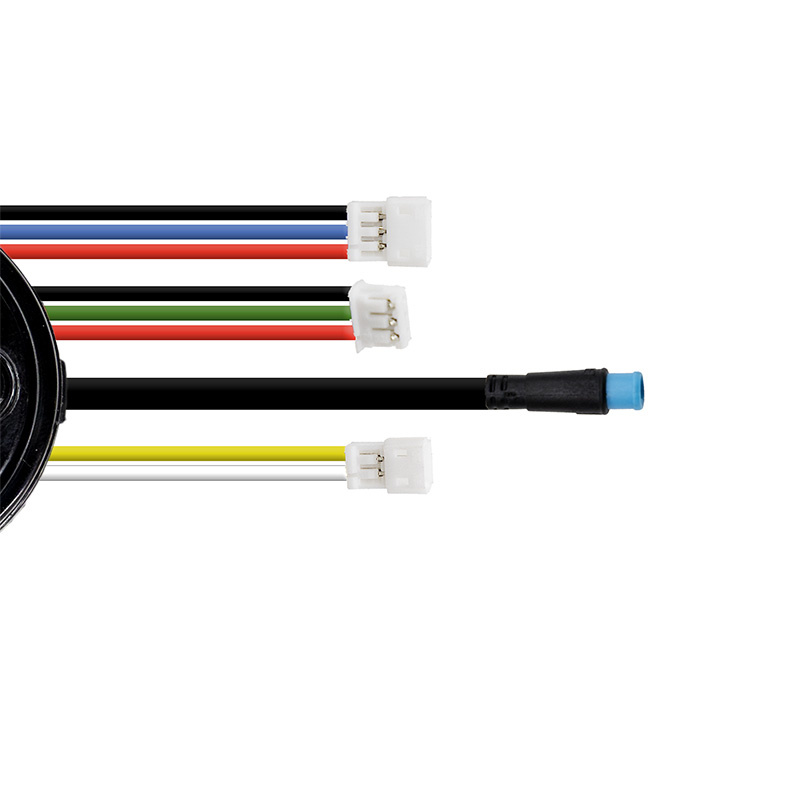
The NINEBOT E25E DISPLAY is a display module designed to replace or refurbish your electric scooter's information-reading interface. This display provides a clear view of all the data you need to drive your scooter, while integrating seamlessly with on-board electronics.
Benefits for the user
By replacing a damaged or faulty screen, this display helps you to regain control of the information visible during use, and to regain peace of mind in day-to-day operation. It's an ideal solution for repairing electric scooters when the display becomes unreadable, intermittent or out of order, and replacement of the electronic part is necessary.
Technical specifications
Product type: screen / display (display module).
Recommended uses
This display is recommended for maintenance and repair operations on an electric scooter display system, particularly in the event of screen failure, partial display or malfunction requiring replacement of the module.
Known compatibilities
Compatibility indicated: Ninebot E25E.
Expert advice
Before purchasing, identify the model precisely (Ninebot E25E) and check that the fault is actually with the screen and not with a harness, connector, controller card or power supply. When replacing, switch off the power supply, avoid pulling on the cables and check that the connectors are fully plugged in to prevent false contacts. After installation, carry out a static test (ignition, readability, display stability) before resuming use.

![Display Xiaomi Mi3 Lite (Version FR/DE) [Original]](https://doctibike.com/17946-medium_default/display-xiaomi-mi3-lite-version-fr-de-original-.jpg)


![Display Xiaomi Mi4 Pro (1st Gen) [Original]](https://doctibike.com/18005-medium_default/display-xiaomi-mi4-pro-1st-gen-original-.jpg)

![Xiaomi Mi4 Lite (1st Gen) Display [Ewheel]](https://doctibike.com/18242-medium_default/xiaomi-mi4-lite-display-1st-gen.jpg)