


![Xiaomi Mi4 Lite Gen2 Display Cover [ORIGINAL]](https://doctibike.com/18235-home_default/xiaomi-mi4-lite-gen2-screen-cover.jpg "Xiaomi Mi4 Lite Gen2 Display Cover [ORIGINAL]")
![Xiaomi Mi4 Lite Gen2 Display Cover [ORIGINAL]](https://doctibike.com/18236-home_default/xiaomi-mi4-lite-gen2-screen-cover.jpg "Xiaomi Mi4 Lite Gen2 Display Cover [ORIGINAL]")
![Xiaomi Mi4 Lite Gen2 Display Cover [ORIGINAL]](https://doctibike.com/18237-home_default/xiaomi-mi4-lite-gen2-screen-cover.jpg "Xiaomi Mi4 Lite Gen2 Display Cover [ORIGINAL]")
![Xiaomi Mi4 Lite Gen2 Display Cover [ORIGINAL]](https://doctibike.com/18238-home_default/xiaomi-mi4-lite-gen2-screen-cover.jpg "Xiaomi Mi4 Lite Gen2 Display Cover [ORIGINAL]")
![Xiaomi Mi4 Lite Gen2 Display Cover [ORIGINAL]](https://doctibike.com/18235-medium_default/xiaomi-mi4-lite-gen2-screen-cover.jpg "Xiaomi Mi4 Lite Gen2 Display Cover [ORIGINAL]")
![Xiaomi Mi4 Lite Gen2 Display Cover [ORIGINAL]](https://doctibike.com/18236-medium_default/xiaomi-mi4-lite-gen2-screen-cover.jpg "Xiaomi Mi4 Lite Gen2 Display Cover [ORIGINAL]")
![Xiaomi Mi4 Lite Gen2 Display Cover [ORIGINAL]](https://doctibike.com/18237-medium_default/xiaomi-mi4-lite-gen2-screen-cover.jpg "Xiaomi Mi4 Lite Gen2 Display Cover [ORIGINAL]")
![Xiaomi Mi4 Lite Gen2 Display Cover [ORIGINAL]](https://doctibike.com/18238-medium_default/xiaomi-mi4-lite-gen2-screen-cover.jpg "Xiaomi Mi4 Lite Gen2 Display Cover [ORIGINAL]")

Guaranteed Reviews

Free shipping from €299

Installment payment with no fees via Alma

2-year warranty
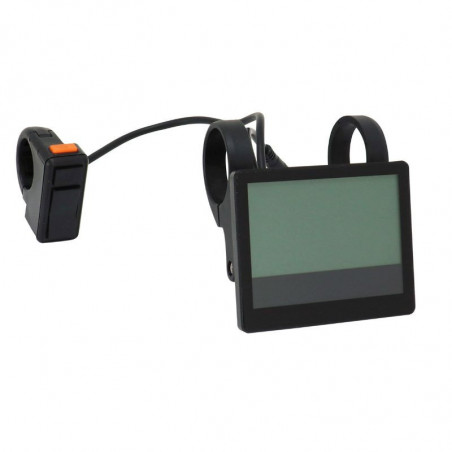
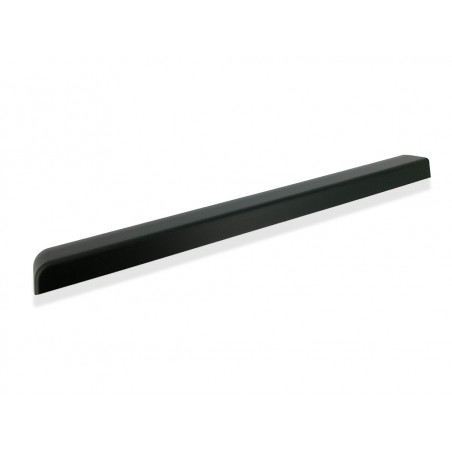
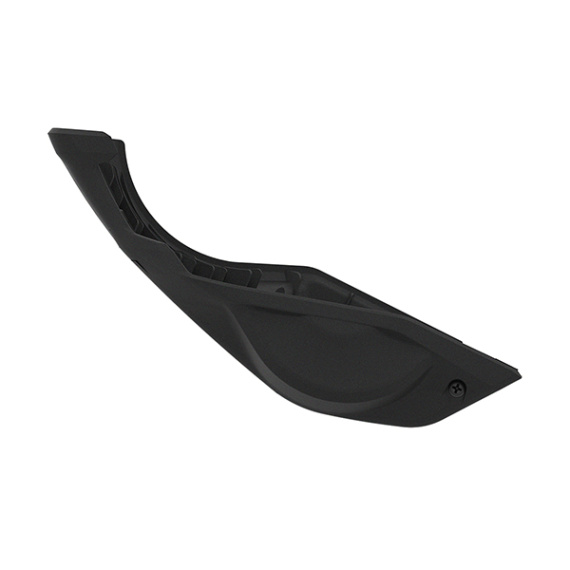
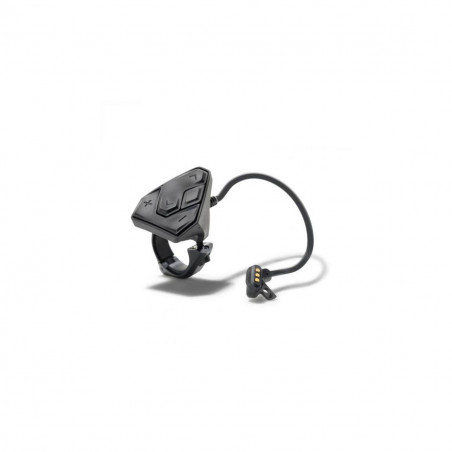
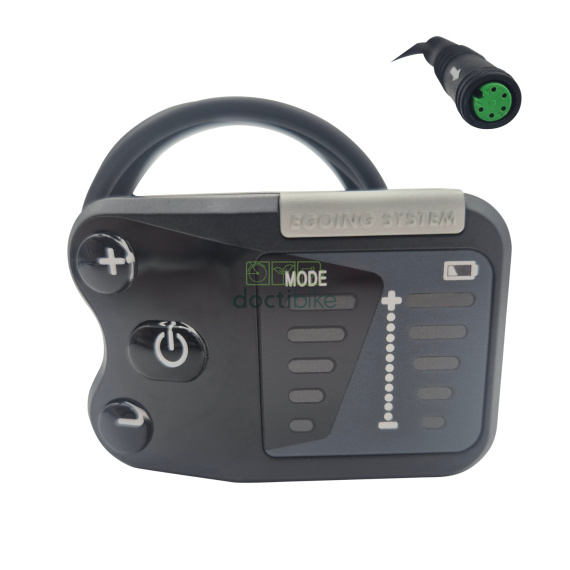
Xiaomi Mi4 Lite Gen2 ORIGINAL screen cover: the ideal solution for restoring and protecting the display area of your Xiaomi electric bike. Designed as an original replacement part, this screen cover helps preserve the integrity of the control station, maintain a clean visual appearance and secure daily use in electric mobility.
Designed to replace a worn, scratched or damaged screen cover, it fits into the cover and protector category. It helps to protect the screen from everyday wear and tear (rubbing, splashing, repeated handling), and to maintain good readability during your urban journeys or regular EV rides.
Scroll down to see detailed technical specifications at the bottom of the sheet ↓
Warranty: 2 years

Delivery in 3 to 5 business days
Free for orders over €299

Need help?
Contact one of our experts !

Returns within 14 days
Description
The original Xiaomi Mi4 Lite Gen2 screen cover is a spare part designed to replace a damaged screen cover/protector on your electric scooter. It provides a clean, protected cockpit, limiting the screen's exposure to everyday aggressions (dirt, splashes, rubbing) and improving the readability and overall appearance of the dashboard.
Benefits for the user
This original Xiaomi screen cover helps to preserve the screen of your Xiaomi Mi4 Lite Gen2 and maintain comfortable use on the handlebars, particularly during urban journeys. By replacing a scratched, cracked or loose cover, you reduce the risk of dust and debris entering the display area, while restoring a cleaner visual appearance to your cockpit.
Technical specifications
Spare part: cover / screen protector (screen cover).
Brand: Xiaomi.
Quality: ORIGINAL (original manufacturer's part).
Category: cover and protector.
Recommended uses
Replacement of a worn or broken screen cover on an electric scooter, as part of a refurbishment, preventive maintenance or repair of the control station (screen/dashboard area). Ideal for maintaining a well-protected display and neat handlebar assembly on a daily basis.
Compatibility
Compatible with : Xiaomi Mi4 Lite Gen2.
Expert advice
Before purchasing, check the exact generation of your model (Mi4 Lite Gen2) to avoid confusion with other, similar versions. When assembling, work on a clean, dry surface to limit the introduction of dust into the screen area, and check the condition of the fasteners/adhesives (if present on your configuration) to ensure proper cover retention. If in doubt when disassembling the cockpit, call in a technician to avoid damaging the screen or dashboard components.
![Xiaomi Mi4 Lite Gen2 Display Cover [ORIGINAL]](https://doctibike.com/18235-small_default/xiaomi-mi4-lite-gen2-screen-cover.jpg)
![Xiaomi Mi4 Lite Gen2 Display Cover [ORIGINAL]](https://doctibike.com/18235-large_default/xiaomi-mi4-lite-gen2-screen-cover.jpg "Xiaomi Mi4 Lite Gen2 Display Cover [ORIGINAL]")
![Xiaomi Mi4 Lite Gen2 Display Cover [ORIGINAL]](https://doctibike.com/18236-large_default/xiaomi-mi4-lite-gen2-screen-cover.jpg "Xiaomi Mi4 Lite Gen2 Display Cover [ORIGINAL]")
![Xiaomi Mi4 Lite Gen2 Display Cover [ORIGINAL]](https://doctibike.com/18237-large_default/xiaomi-mi4-lite-gen2-screen-cover.jpg "Xiaomi Mi4 Lite Gen2 Display Cover [ORIGINAL]")
![Xiaomi Mi4 Lite Gen2 Display Cover [ORIGINAL]](https://doctibike.com/18238-large_default/xiaomi-mi4-lite-gen2-screen-cover.jpg "Xiaomi Mi4 Lite Gen2 Display Cover [ORIGINAL]")