


Guaranteed Reviews

Free shipping from €299

Installment payment with no fees via Alma

2-year warranty
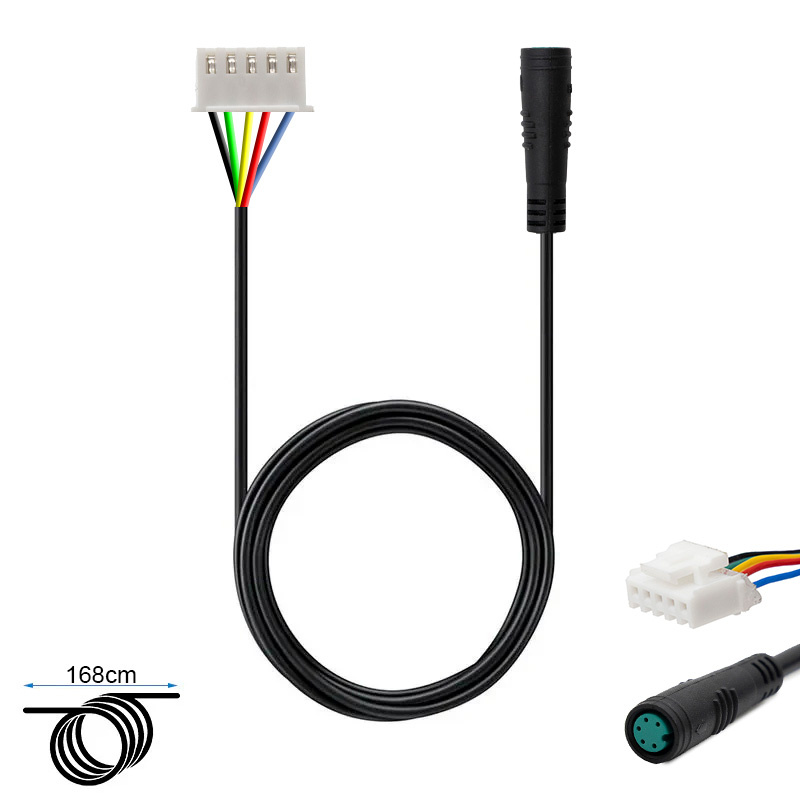
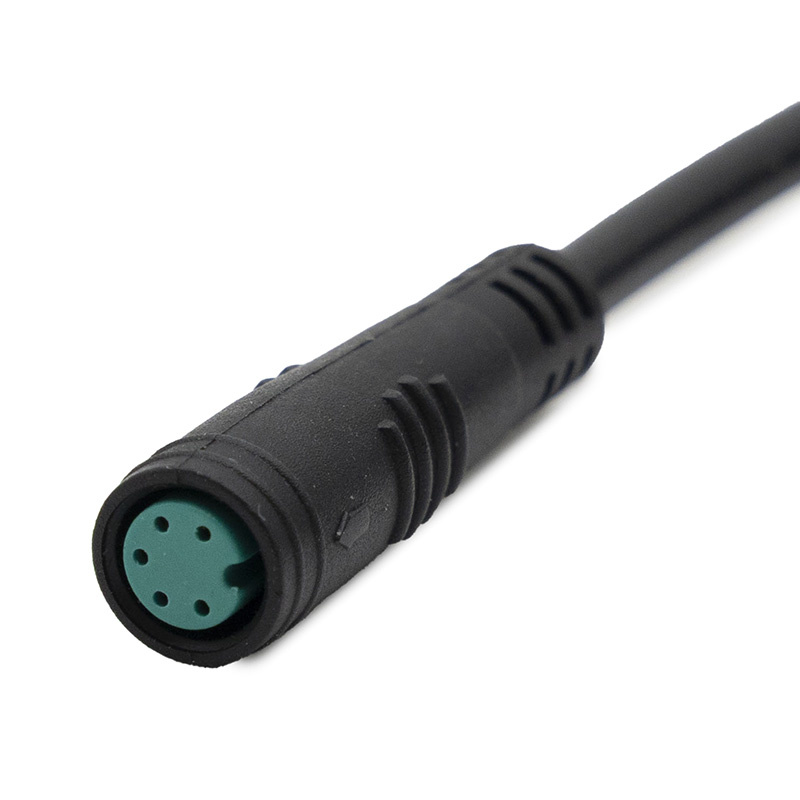
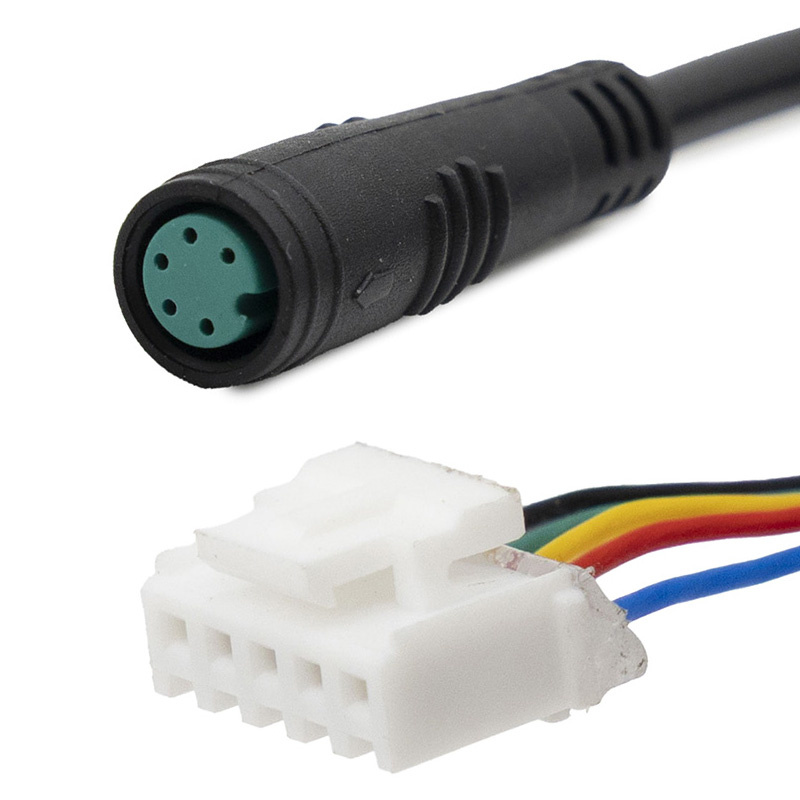
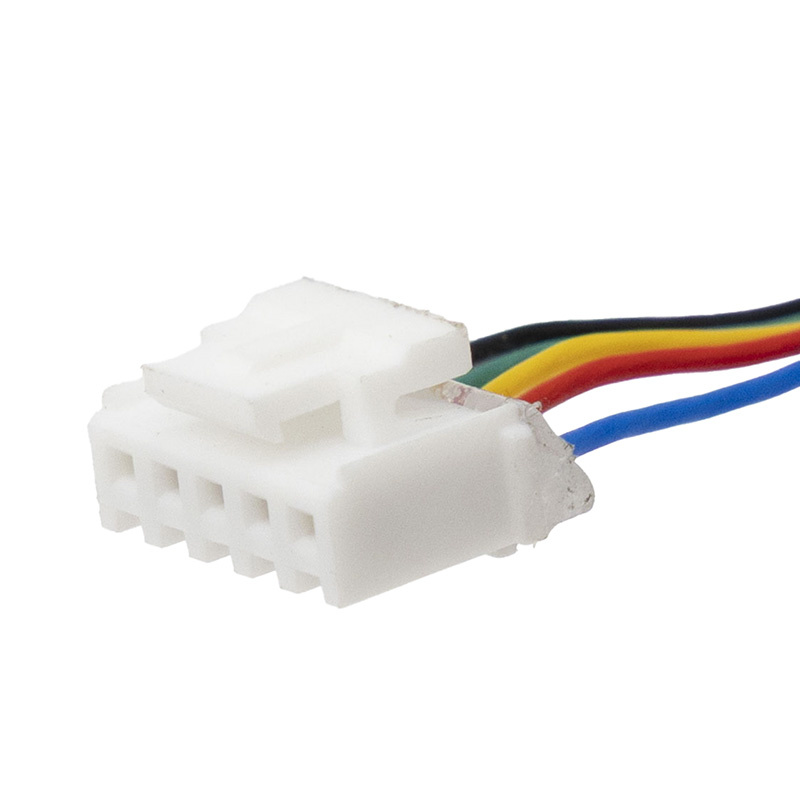
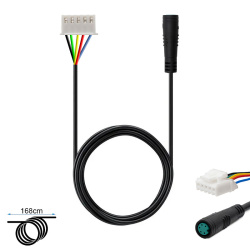
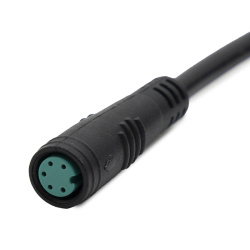
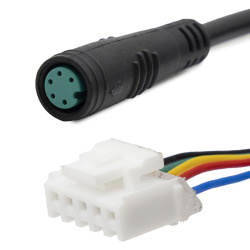
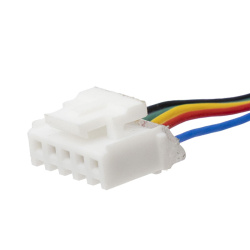
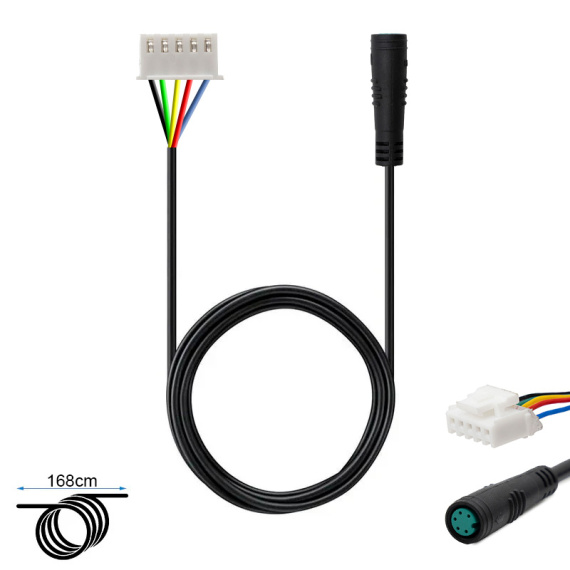
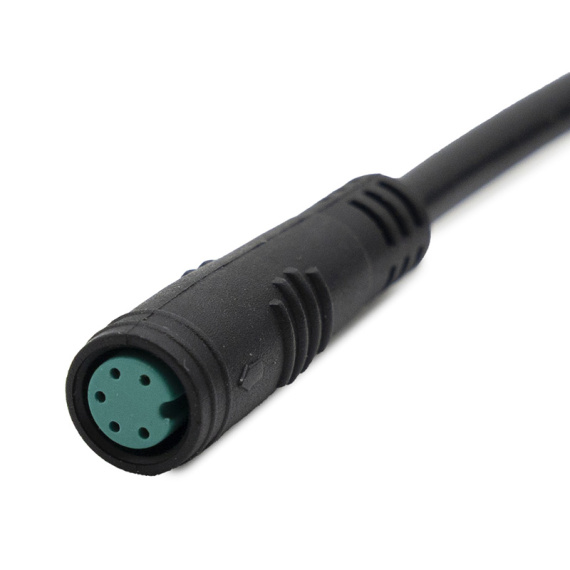
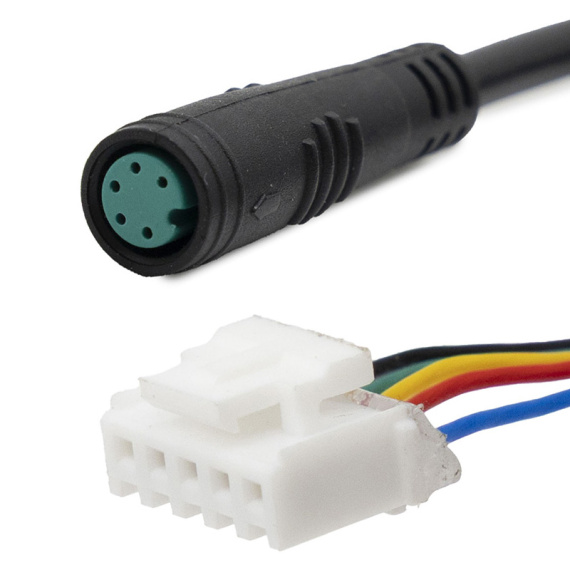
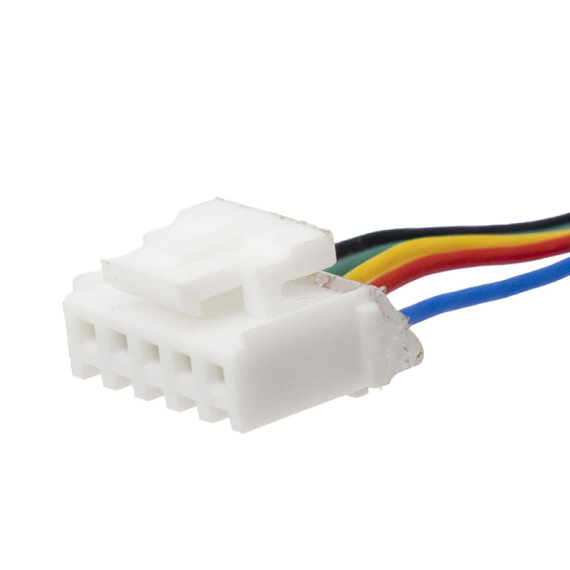
Niu KQi3 controller-display cable: this original Niu cable is designed to ensure a reliable connection between the controller and the display of your electric scooter. Indispensable for the smooth operation of the on-board electronics, it helps maintain stable transmission of essential information (operating data, operating status) and secures communication between system components.
Ideal for replacing a damaged harness or one with false contacts, this controller-screen cable is ideal for users looking for a clean, compatible and reassuring solution to maintain the performance and reliability of their electric mobility on a daily basis.
This component fits into the world of electric scooter repair andmaintenance, where the quality of connections and wiring plays a key role in reliability, safety and user comfort.
Scroll down the page to see detailed technical specifications at the bottom ↓
Warranty : 2 years

Delivery in 3 to 5 business days
Free for orders over €299

Need help?
Contact one of our experts !

Returns within 14 days
Description
The Niu KQi3 controller-display cable is a connection harness designed to link the control electronics (controller) to the display of your Niu electric scooter. It transmits the information and signals required for proper operation of the user interface (display, handlebar controls depending on configuration), and is an essential part when replacing a damaged cable or overhauling the communication circuit between components.
Benefits for the user
By replacing a worn, pinched or loose display-controller cable, you re-establish a stable connection between display and controller, helping to restore normal instrumentation operation. This cable makes it easy to diagnose and repair cable bus faults (intermittent interruptions, no display or communication malfunctions), while avoiding risky interventions on other electronic components.
Technical specifications
Controller-display cable for use in soft mobility electronics. It belongs to the family of cable buses and accessories, and is integrated into the electrical architecture linking the display to the controller. No data on length, connector type, pinout, sealing or electrical specification is provided for this model.
Recommended uses
Replacement of a controller-display communication cable on an electric scooter in the event of a cut cable, damaged connector, oxidation, false contact, or after work requiring removal of the cockpit and controller. Also recommended as part of preventive maintenance when the harness shows signs of mechanical wear (repeated twisting, rubbing, pinching).
Compatibility
Compatible with the Niu KQi3 range, in accordance with the product label.
Expert advice
Before replacement, switch off the scooter's power supply and avoid handling it under voltage, to limit the risk of short-circuiting the electronics (controller, display). During assembly, check the orientation of the connectors, do not force them into place, and ensure clean routing of the harness (no pinching or stress on the stem or moving parts). After installation, check the stability of the display and the absence of cuts by lightly stressing the handlebars and cable entry.

![60V 22A 1300W Controller for DUALTRON Spider [MINIMOTORS]](https://doctibike.com/16903-medium_default/60v-22a-1300w-controller-for-dualtron-spider-minimotors-.jpg)
![Tubeless offroad tire 8.5x2-6.1 [Ewheel]](https://doctibike.com/19942-medium_default/85x2-61-tubeless-off-road-tire.jpg)
![Motor 36V 450W 6.9/B45 Ninebot Max G2 E [Ninebot]](https://doctibike.com/17437-medium_default/motor-36v-450w-69-b45-ninebot-max-g2-e-ninebot-.jpg)