


Guaranteed Reviews

Free shipping from €299

Installment payment with no fees via Alma

2-year warranty
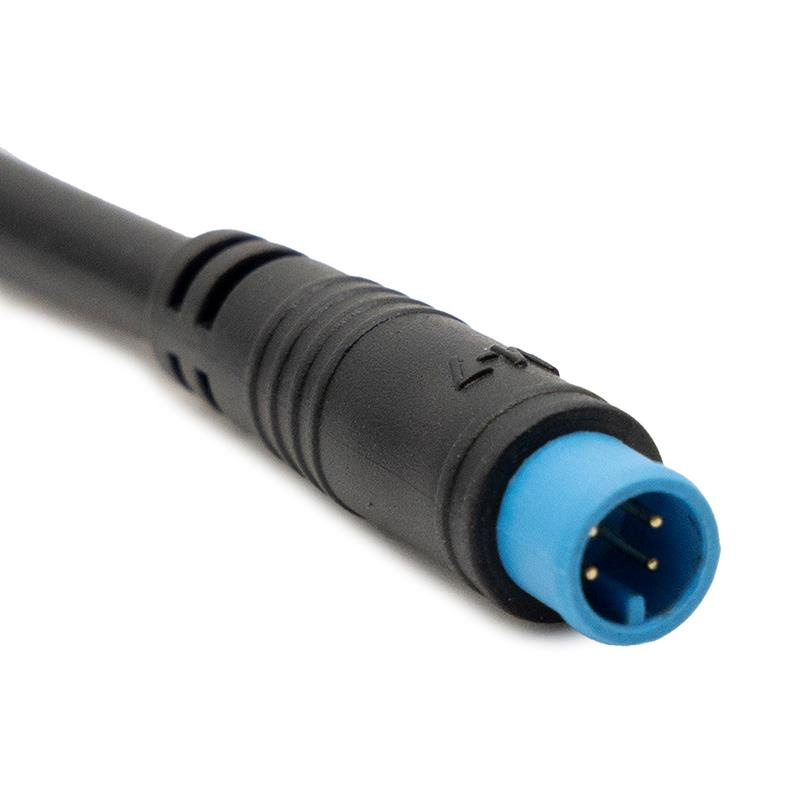
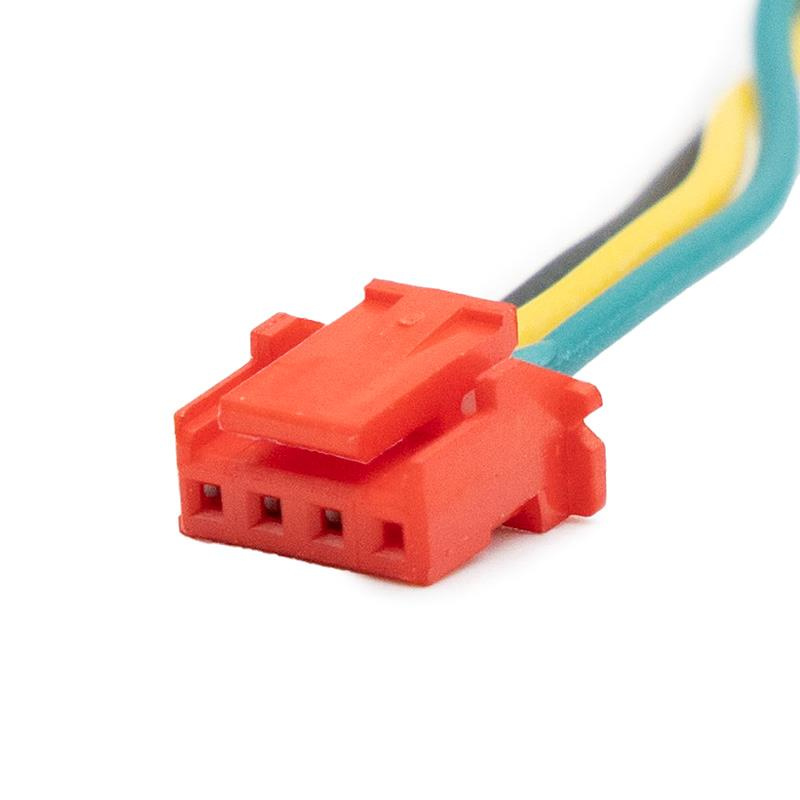
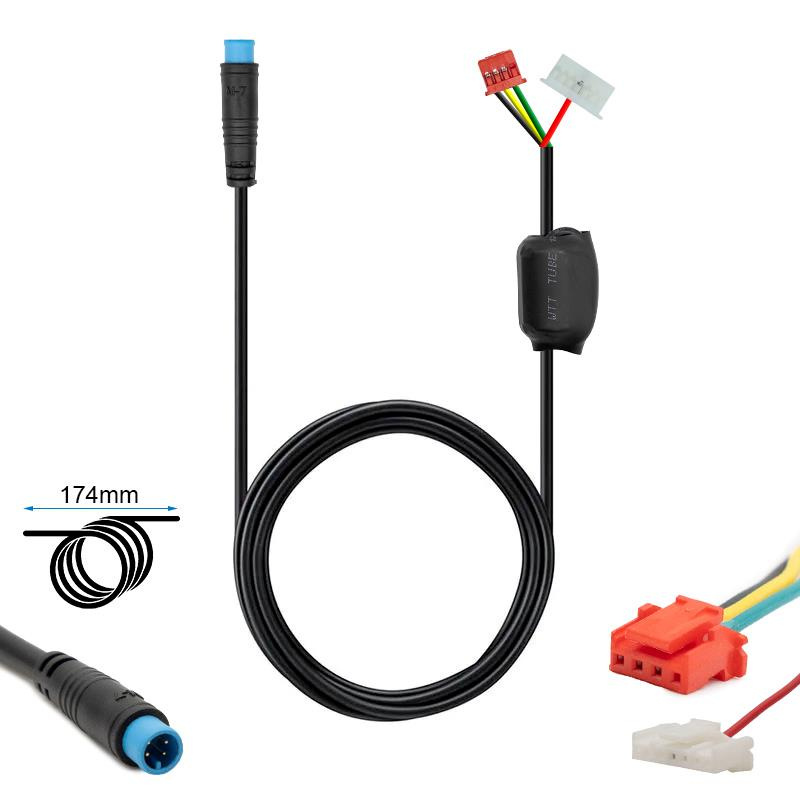
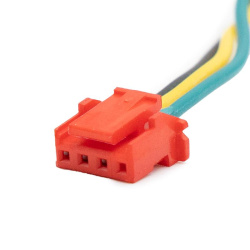
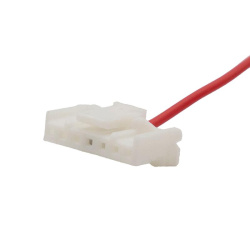
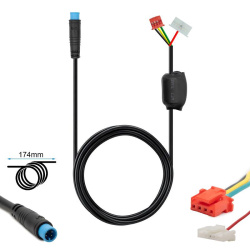
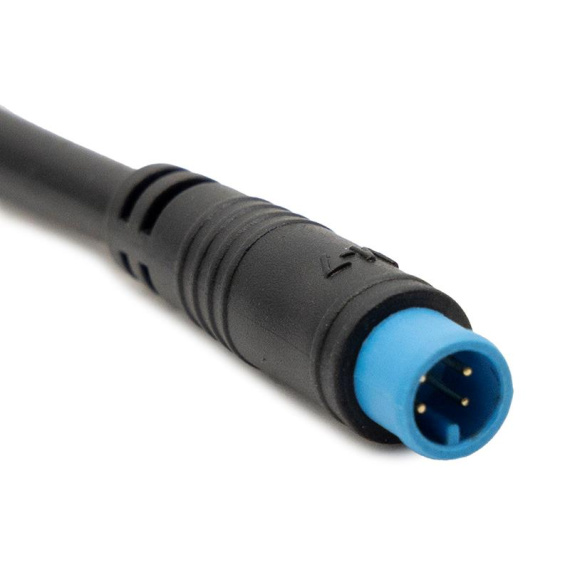
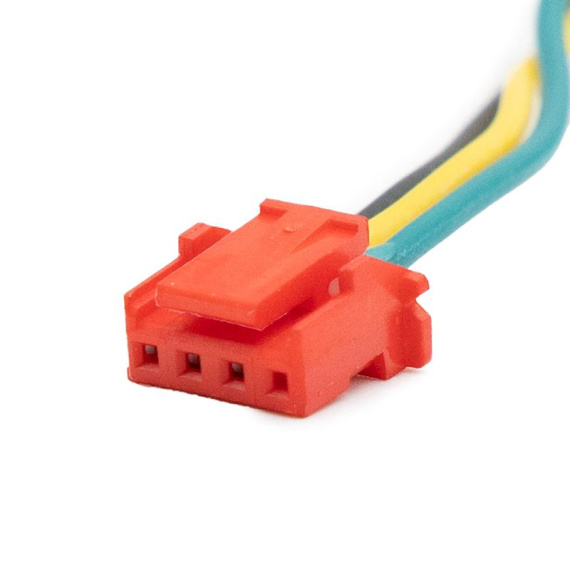
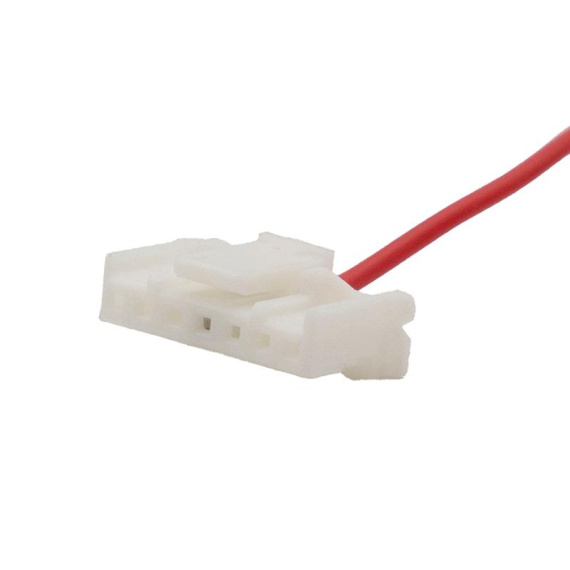
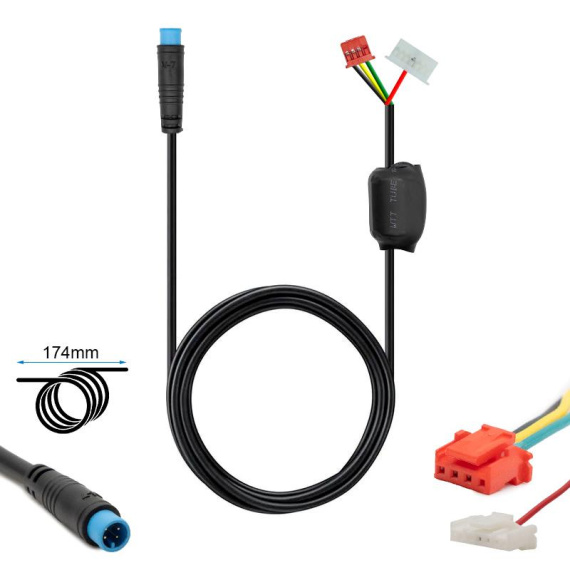
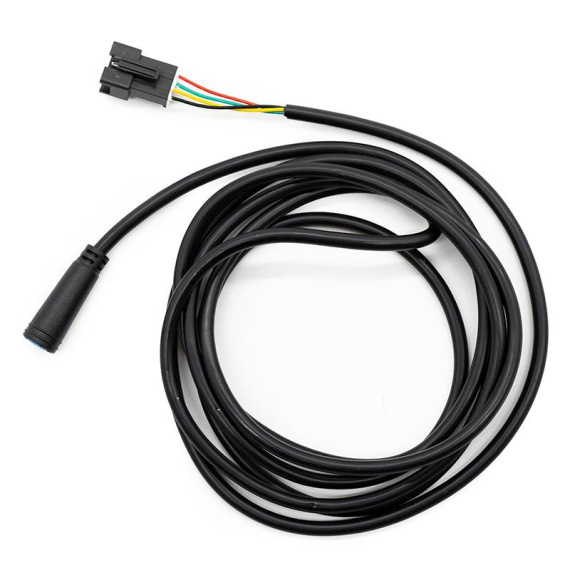
Ninebot G2 display-controller cable : an essential component for ensuring a reliable link between the display (dashboard) and the controller of your electric mobility. Designed for clean integration into the wiring harness, this cable contributes to stable transmission of information and commands, to maintain smooth operation and a consistent driving experience.
Ideal for replacing a damaged cable (cut, loose contact, worn connection) or as part of an electronic intervention, it helps limit intermittent failures that can impact the display, communication with the controller and, more broadly, the reliability of the electrical system. It is particularly useful for diagnosing cable bus and connector elements, when the aim is to secure the wiring between control units.
To choose the right part and secure your repair, check the correspondence with your assembly (connectors, harness routing, location on the vehicle) before installation.
Scroll down the page to see detailed technical specifications at the bottom ↓
Warranty : 2 years

Delivery in 3 to 5 business days
Free for orders over €299

Need help?
Contact one of our experts !

Returns within 14 days
Description
The Ninebot G2 display-controller cable is an essential link between the dashboard and the controller of your electric scooter. It ensures the transmission of information and commands between these two elements, so that the on-board electronics remain coherent. This cable harness is particularly useful for replacing a damaged cable (cut, false contact, worn connector), which can lead to loss of display, control malfunctions or intermittent power cuts.
Benefits for the user
By replacing a faulty display-controller cable, you restore stable communication between the dashboard and the controller, helping to restore normal daily use of the electric scooter. This cable helps to limit failures linked to false contacts and to make the control circuit more reliable, particularly when the original installation has been subjected to stress (vibration, twisting, humidity, repeated cable runs).
Technical specifications
Product type: display-controller connection cable/harness.
Function: electrical connection between display and controller.
Recommended uses
This cable is recommended for the repair and maintenance of a Ninebot G2 electric scooter when symptoms point to a problem with the harness or connectors: display going out, unstable information, commands not taken into account, intermittent operation after manipulation of the handlebars or cable passage. It is also suitable for preventive replacement if the cable is visibly pinched or cut, or if its connectors are loose.
Compatibility
Compatibility listed: Ninebot G2.
Expert advice
Before replacement, switch off the scooter's power supply and, if possible, disconnect the battery to avoid short-circuits when handling the connectors. During installation, make sure you follow the original wiring harness routing to avoid pinching in the stem or bending areas, and secure the cable to limit vibration-related strain. After installation, check the stability of the display and test the control functions at standstill, then carry out a short-distance test to validate the absence of intermittent cut-off.

![JP Controller 52V 37A 1600W-B LCD JP [J&P]](https://doctibike.com/16572-medium_default/jp-controller-52v-37a-1600w-b-lcd-jp-jp-.jpg)
![Display Ninebot E2E / E2 Plus [Ninebot]](https://doctibike.com/16064-medium_default/display-ninebot-e2e-e2-plus-ninebot-.jpg)
![60V 40A 2400W-B Controller FOR DUALTRON Thunder/Ultra [MINIMOTORS]](https://doctibike.com/16695-medium_default/60v-40a-2400w-b-controller-for-dualtron-thunder-ultra-minimotors-.jpg)
![Rim with tire 6.5" and 50mm flange for Ninebot F2/F2 Pro E [Ninebot]](https://doctibike.com/18552-medium_default/rim-with-65-tire-and-50mm-bevel-for-ninebot-f2-f2-pro-e.jpg)