


Guaranteed Reviews

Free shipping from €299

Installment payment with no fees via Alma

2-year warranty
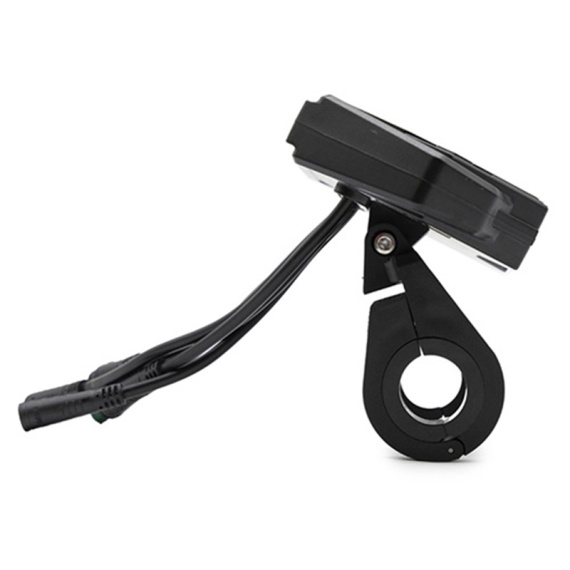
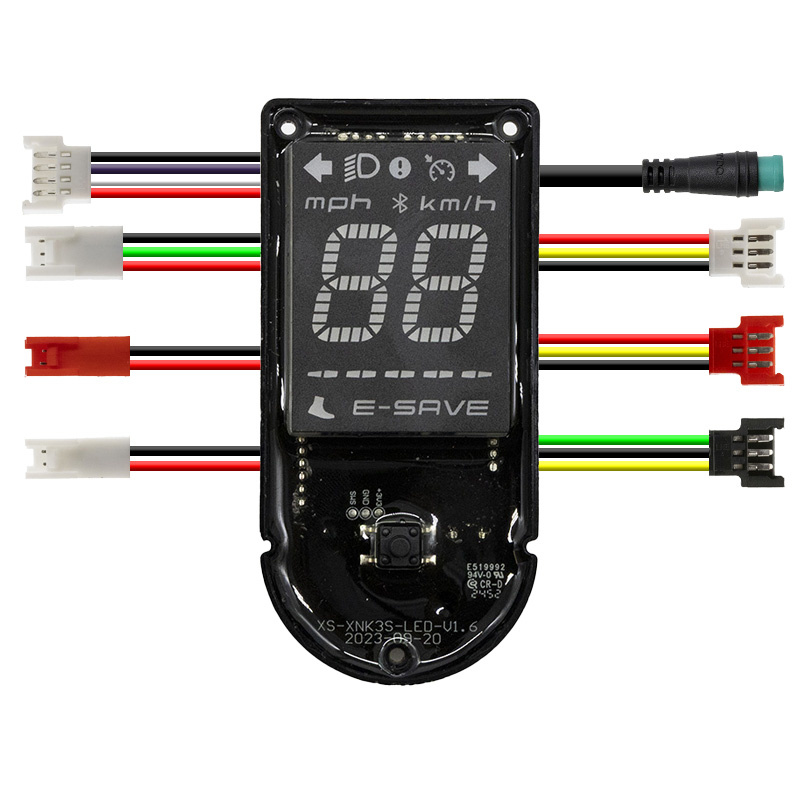
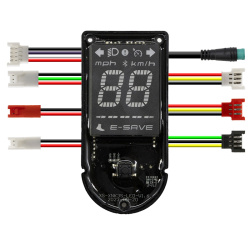
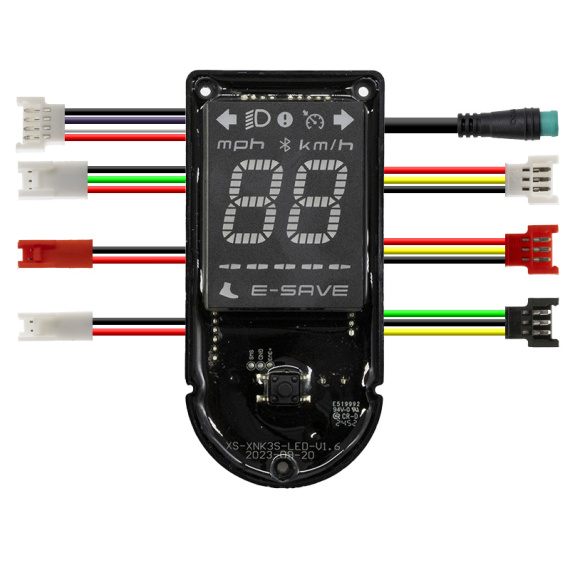
Niu KQi300P display (DE): the dedicated display interface for clear, immediate access to essential information on your electric mobility. Designed by Niu, this screen is aimed at users who are looking for a reliable, legible display suitable for everyday use, whether in urban traffic or on regular trips.
Categorized as screen/display and electronics, this element contributes to the proper control of your electric vehicle by centralizing the driving information available on your dashboard. It's an ideal solution for replacing an existing screen, or for refurbishing, with a component from the Niu ecosystem.
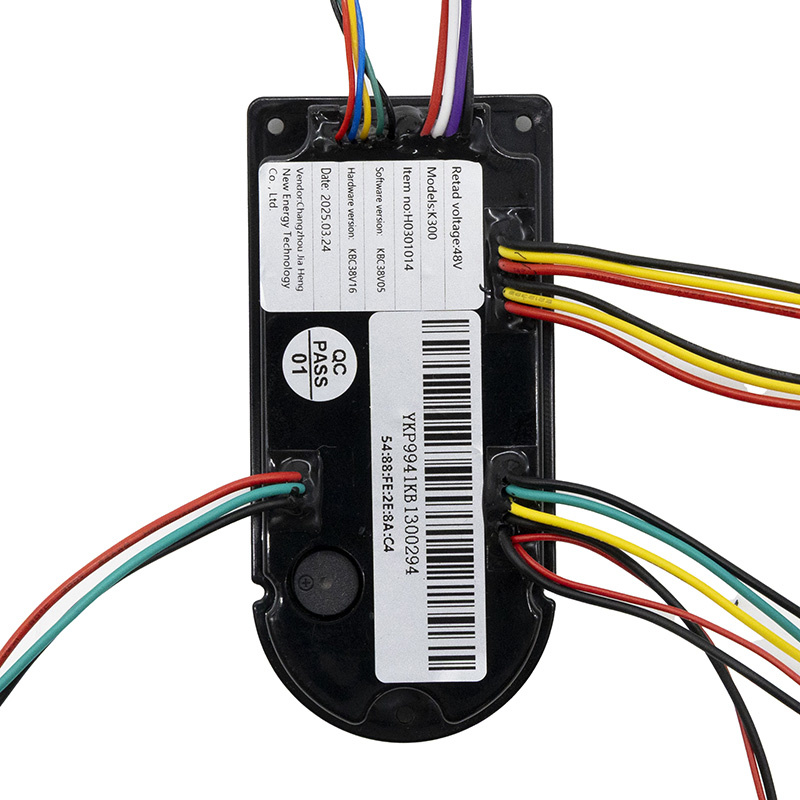
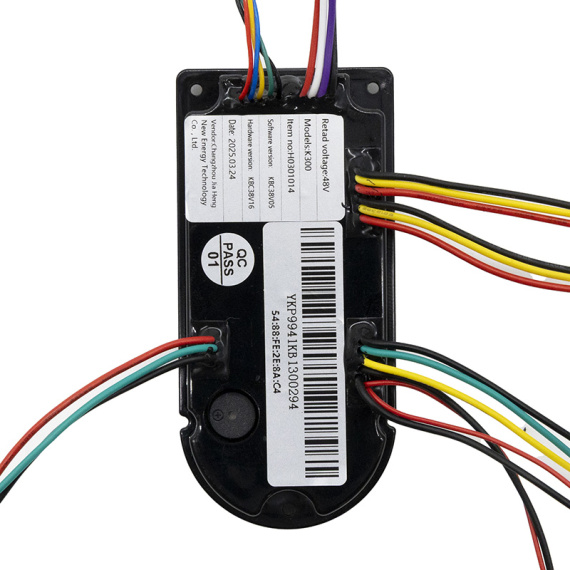
To ensure the right choice of part, we recommend you check the exact KQi300P (DE) designation against your configuration before ordering.
Scroll down the page to see detailed technical specifications at the bottom ↓
Warranty : 2 years

Delivery in 3 to 5 business days
Free for orders over €299

Need help?
Contact one of our experts !

Returns within 14 days
Product overview
The Niu KQi300P (DE) is a display module designed for on-board electronics on Niu soft mobility solutions. This display centralizes useful driving information on a dedicated interface, for clearer control and quicker reading in daily use.
Benefits for the user
By replacing a defective screen or upgrading the display, you'll have immediate access to the information you need to see on the cockpit. This screen contributes to smoother daily use by limiting inaccuracies linked to damaged, unreadable or unstable displays, and improves reading comfort during urban journeys.
Technical specifications
Brand: Niu.
Product type: screen / display (electronic).
Name: Niu KQi300P display (DE).
Recommended uses
Replacement screen to restore the display on a Niu device equipped with the KQi300P system. Suitable for maintenance and repair operations related to electronics (display): screen failure, partial display, readability problem or display malfunction.
Compatibility
Compatibility explicitly stated: Niu KQi300P (DE version).
Expert advice
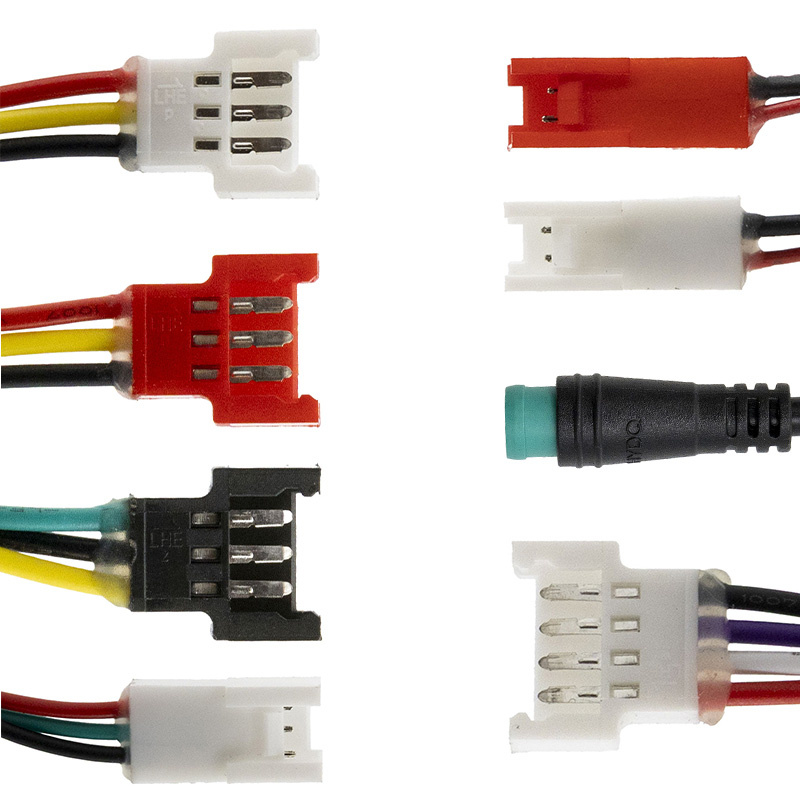
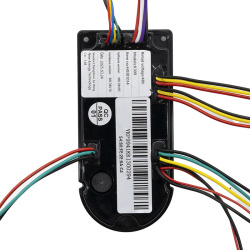
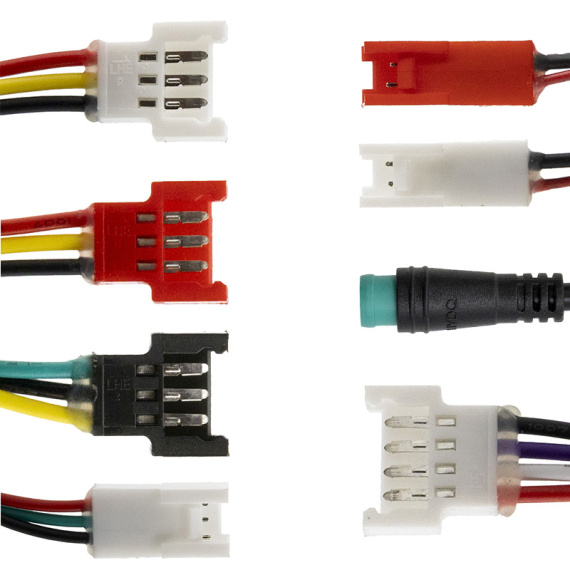
Before ordering, please identify precisely the model (KQi300P) and version (DE) of your device to avoid any mismatches. When replacing, switch off the power supply and disconnect the battery if the device architecture allows, then check the condition of the connectors and harness (oxidation, bent pins, pinched cable) to prevent recurring display failures. After installation, check that all information displayed on the screen is working properly before you set off again.


![Display screen Xiaomi Mi4 Lite Gen2 (Italian/German version) [ORIGINAL]](https://doctibike.com/16082-medium_default/display-screen-xiaomi-mi4-lite-gen2-italian-german-version-original-.jpg)
![Xiaomi Mi4 Lite Gen2 display screen [ORIGINAL]](https://doctibike.com/16146-medium_default/xiaomi-mi4-lite-gen2-display-screen-original-.jpg)