


Guaranteed Reviews

Free shipping from €299

Installment payment with no fees via Alma

2-year warranty
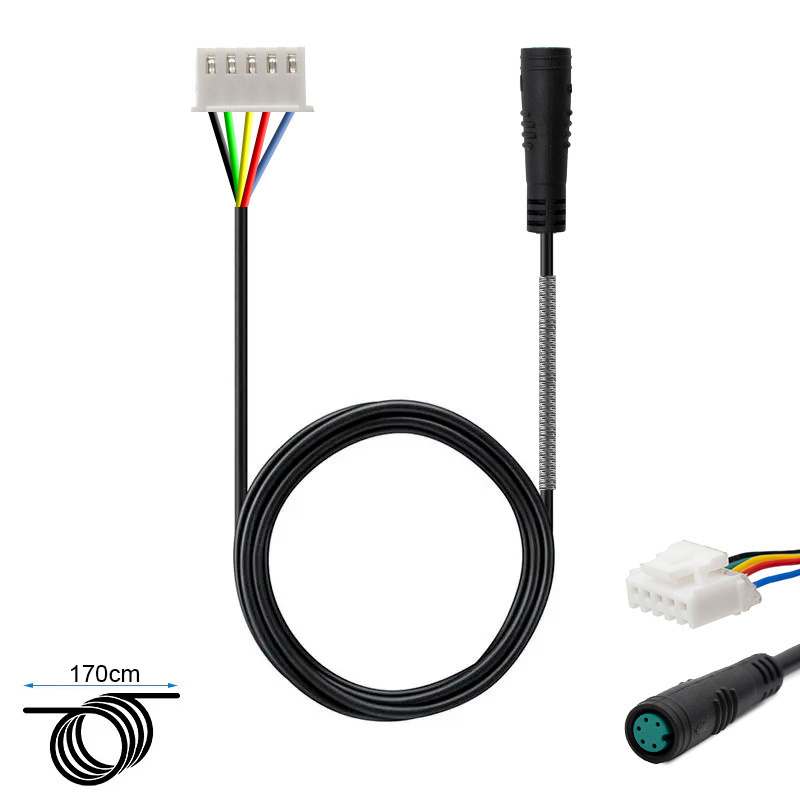
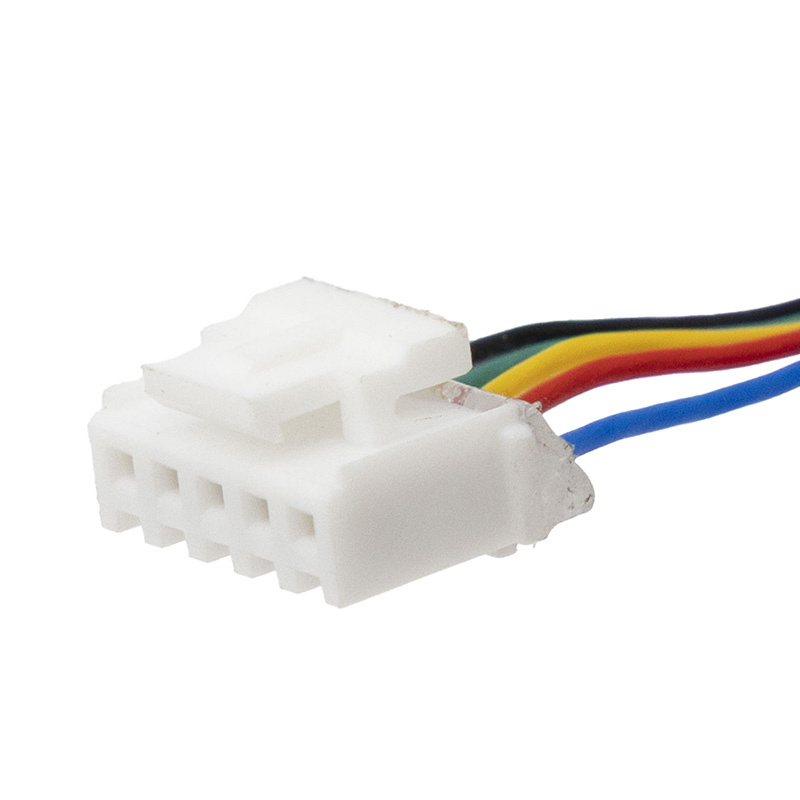
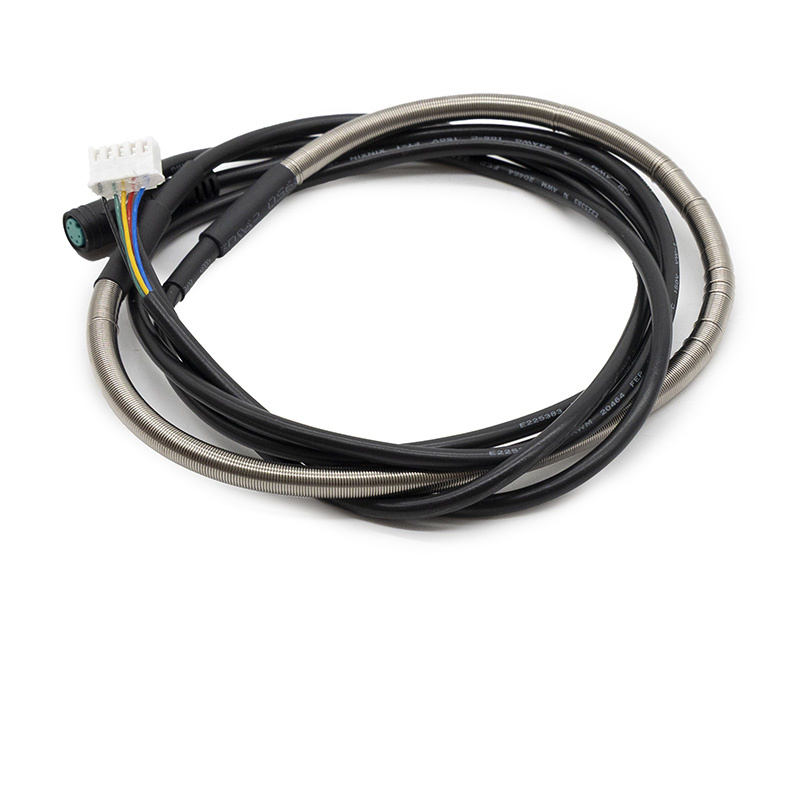
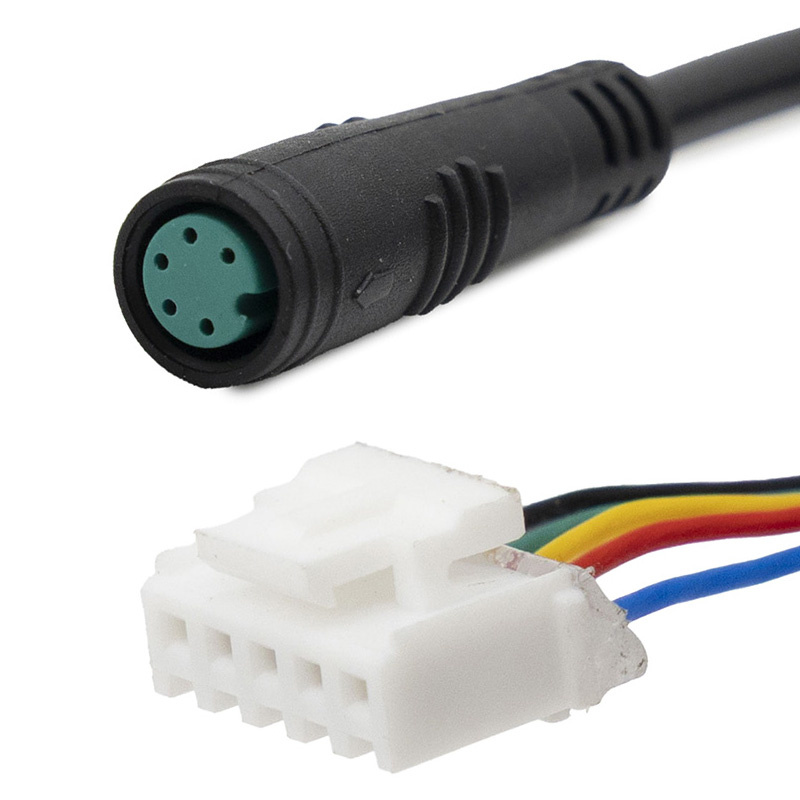
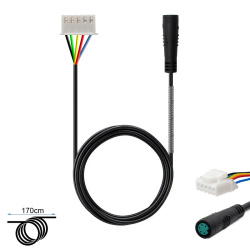
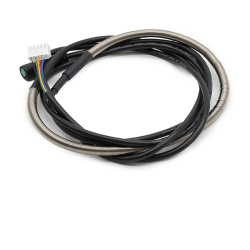
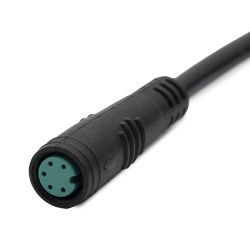
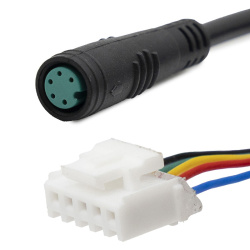
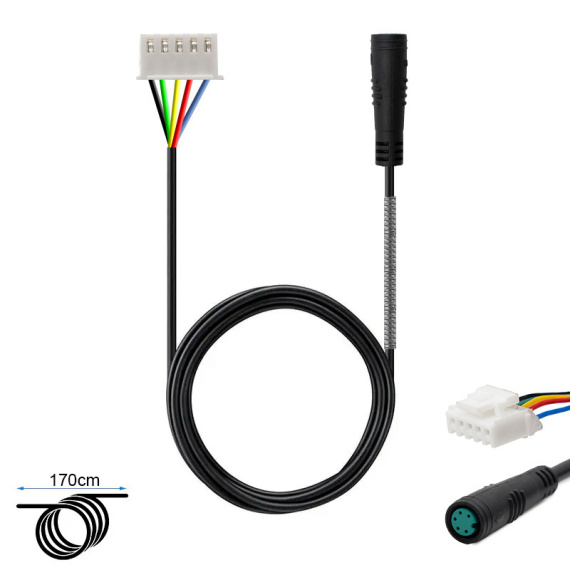
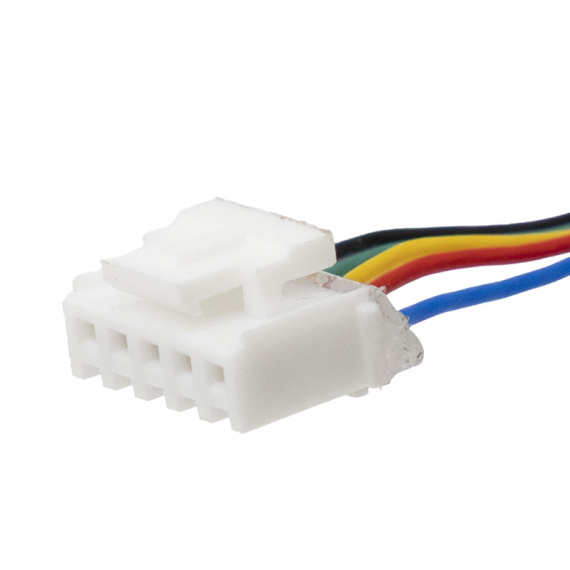
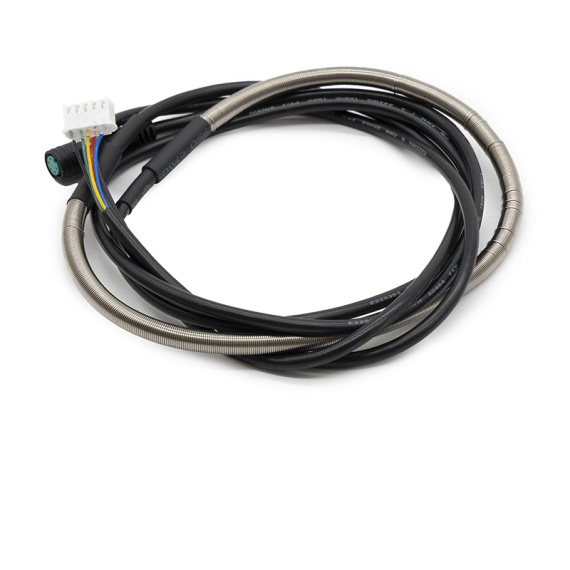
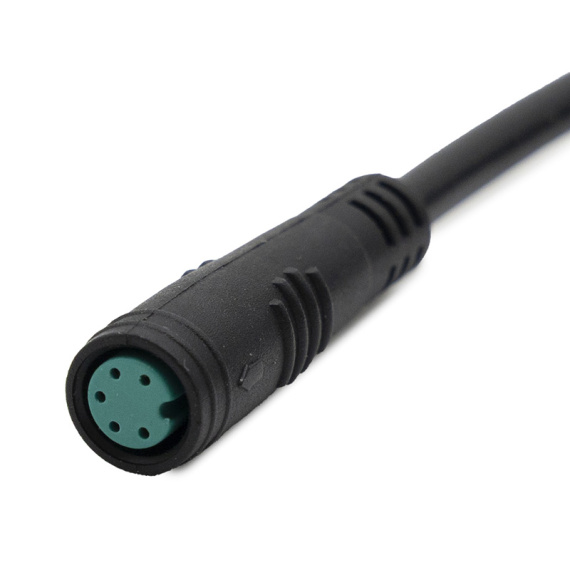
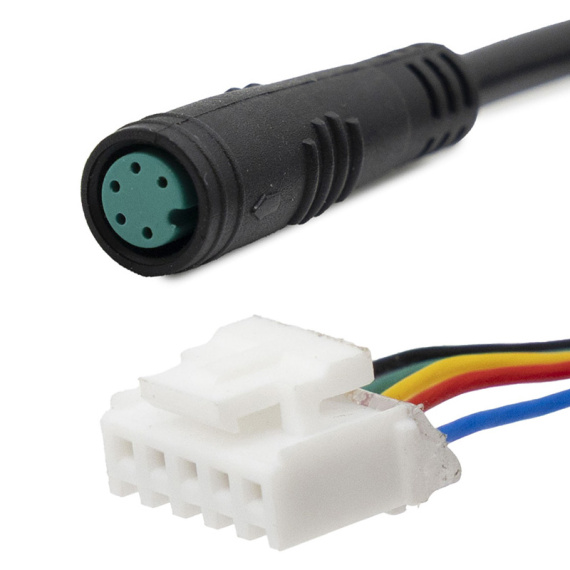
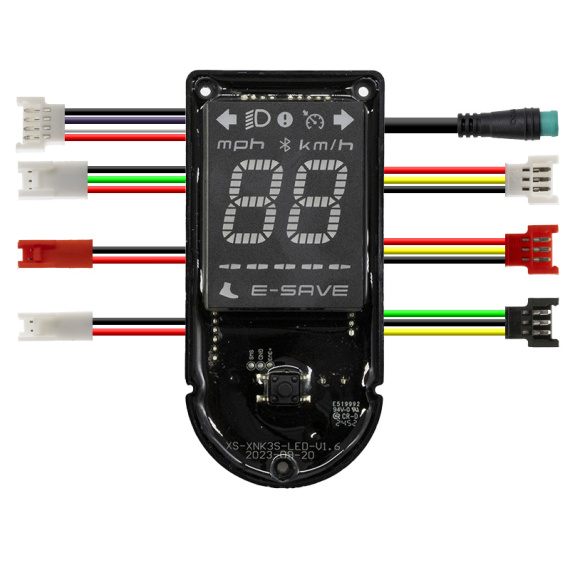
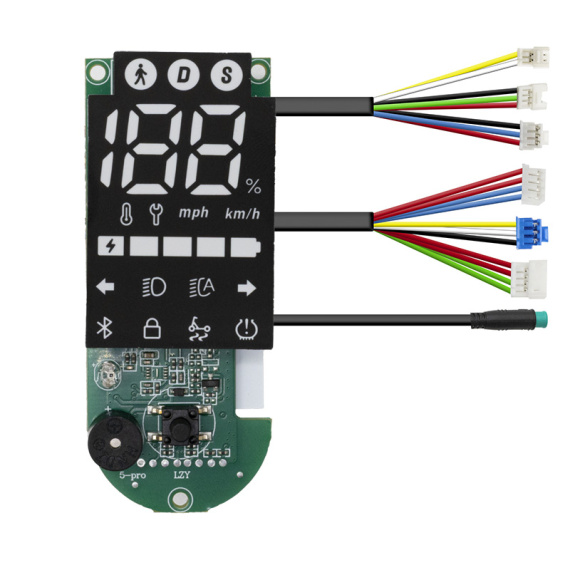
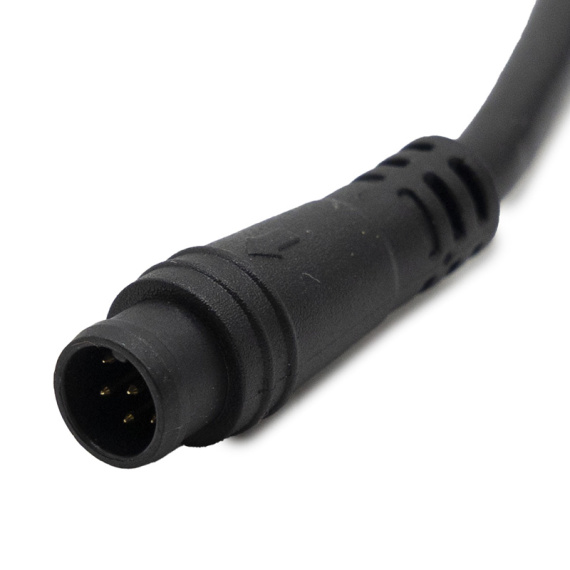
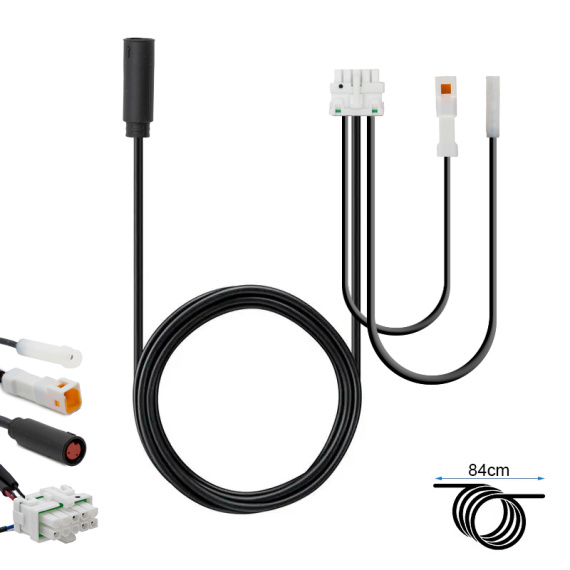
The Niu KQi2 controller-display cable is an essential part of the reliable connection between your electric scooter's control electronics and display. Designed for the Niu range, it re-establishes a clean, secure connection when the original harness is damaged, disconnected or subject to false contacts.
This electric scooter cable plays a key role in the proper functioning of the display and communication with the controller, which are essential for steering and monitoring driving information. It's the perfect solution for a thorough overhaul, with a component dedicated to your model'selectronics and cable bus.
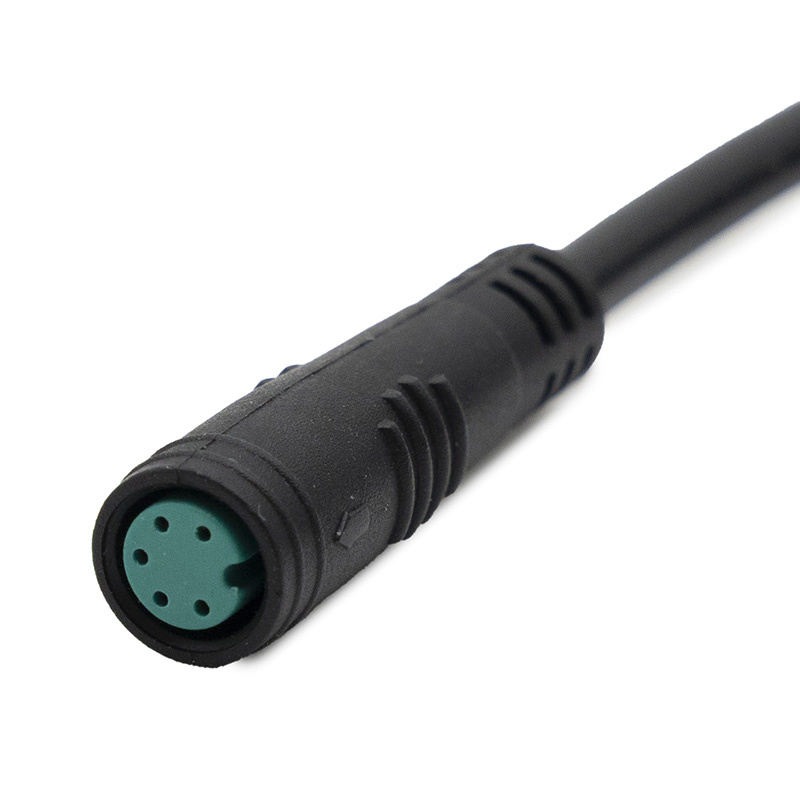
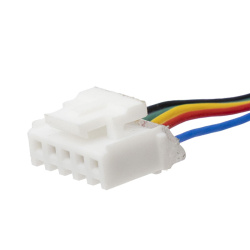
For correct installation, we recommend visually checking the wiring harness routing and the condition of the connectors before replacement. If in doubt about the exact version or connector, a prior check avoids installation errors.
Scroll down the page to see detailed technical specifications at the bottom ↓
Warranty : 2 years

Delivery in 3 to 5 business days
Free for orders over €299

Need help?
Contact one of our experts !

Returns within 14 days
Description
The Niu KQi2 controller-display cable is an essential link between the control electronics and the user interface of your Niu electric scooter. It provides the connection between the controller and the dashboard, transmitting the information and signals needed to operate the display and associated commands. Ideal for replacing damaged, cut or loose cables, it restores reliable communication within the electrical harness.
User benefits
By replacing a faulty display-controller cable, you can reduce intermittent display failures (screen going out, unstable data, loss of signal) and restore more consistent operation of the driver interface. This cable helps to ensure good dialogue between key electronic components, facilitating daily use and rapid return to service of the scooter.
Technical data (data available)
Type: controller/dashboard cable.
Brand: Niu.
Designation: controller/dashboard cable for Niu KQi2.
Recommended uses
This cable is recommended for maintenance and repair of the control and display circuit, particularly in the case of pinched, severed or oxidized cables, or when symptoms of poor contact appear between controller and display. It is also suitable for preventive replacement after work on the wiring harness or dismantling of the column/cockpit.
Compatibility
Compatible with : Niu KQi2 (according to product label). No other compatibility is indicated.
Expert advice
Before replacement, switch off the scooter's power supply and avoid any battery intervention. During installation, ensure that the cable is routed without any twisting or mechanical stress (bending zones, passage through the column, proximity of sharp angles) to limit the risk of internal breakage. After installation, check that the connectors are firmly seated, and carry out a complete test of the display and controls before setting off again.



![Tubeless Tire 60/90-8 [Yuanxing]](https://doctibike.com/17779-medium_default/tubeless-tire-60-90-8-yuanxing-.jpg)