


Guaranteed Reviews

Free shipping from €299

Installment payment with no fees via Alma

2-year warranty
 Last items in stock
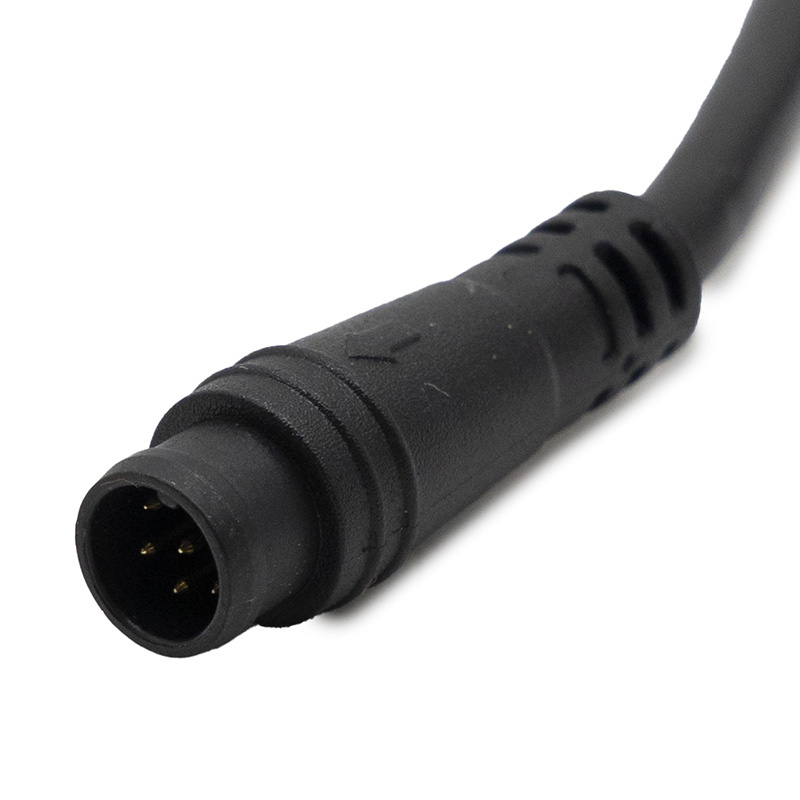
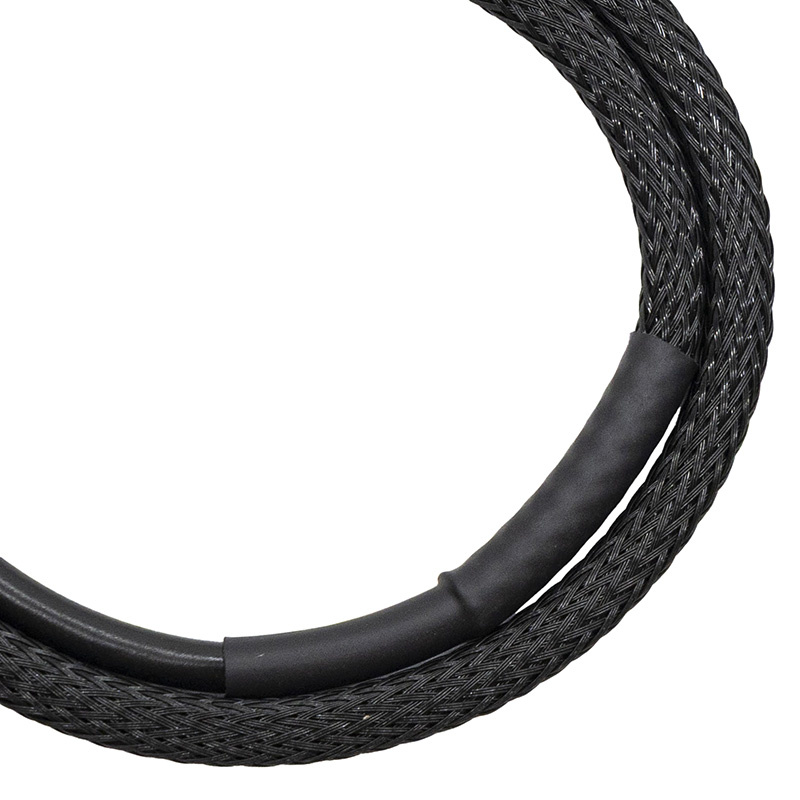
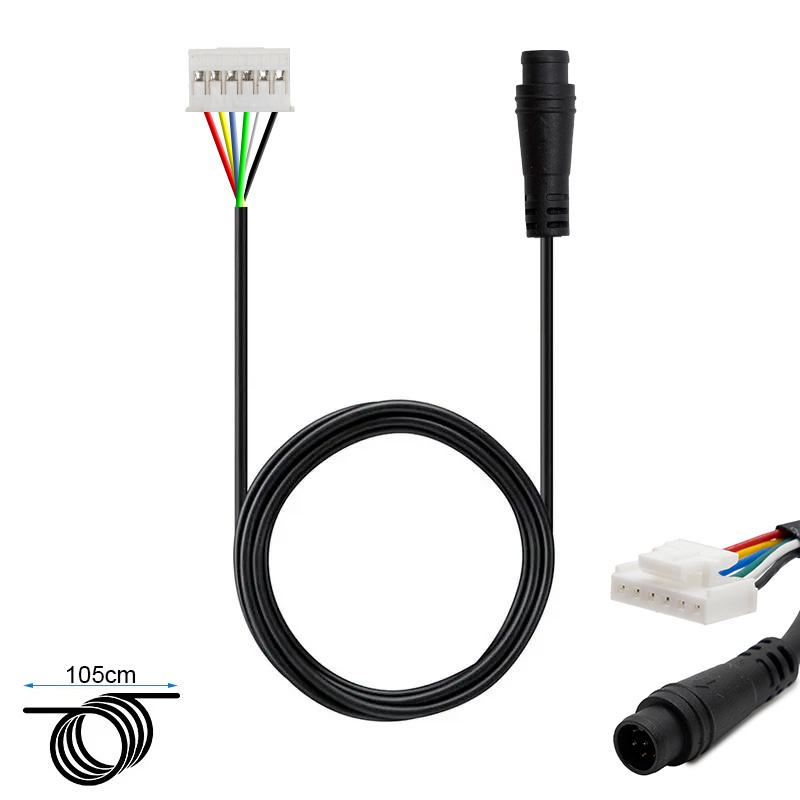
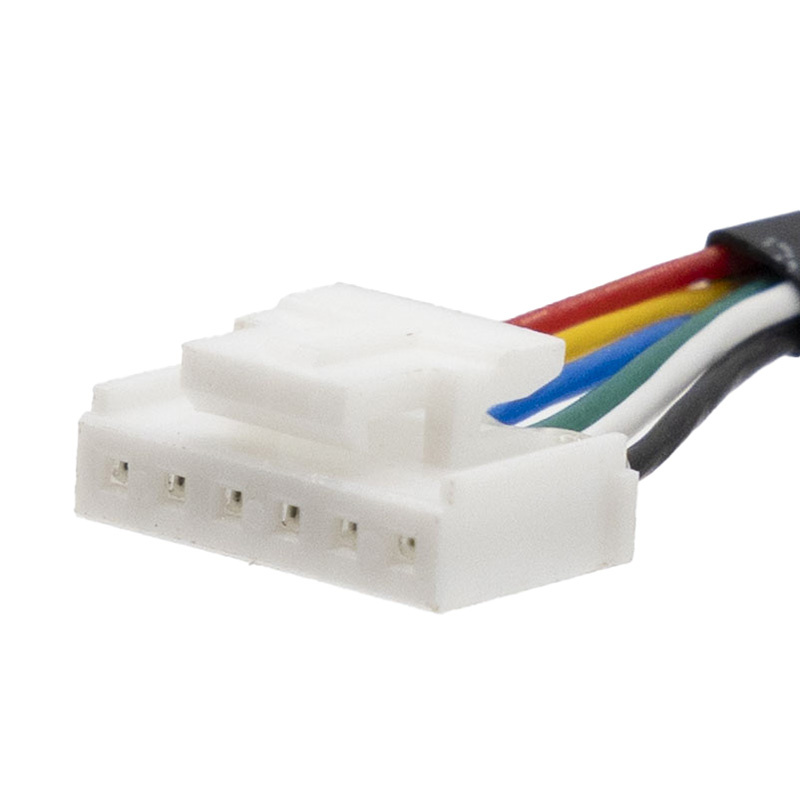
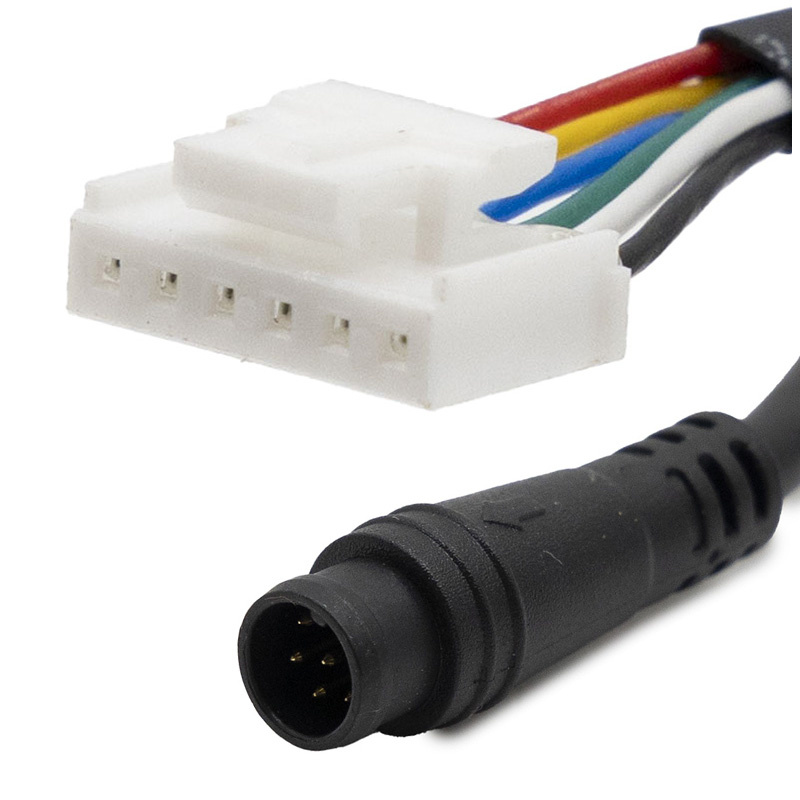
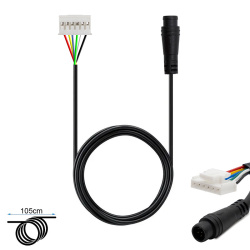
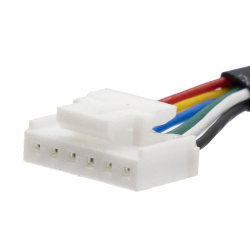
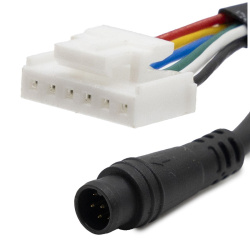
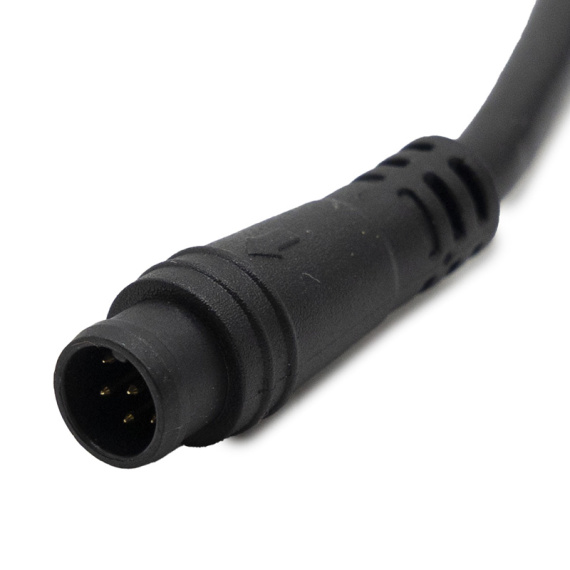
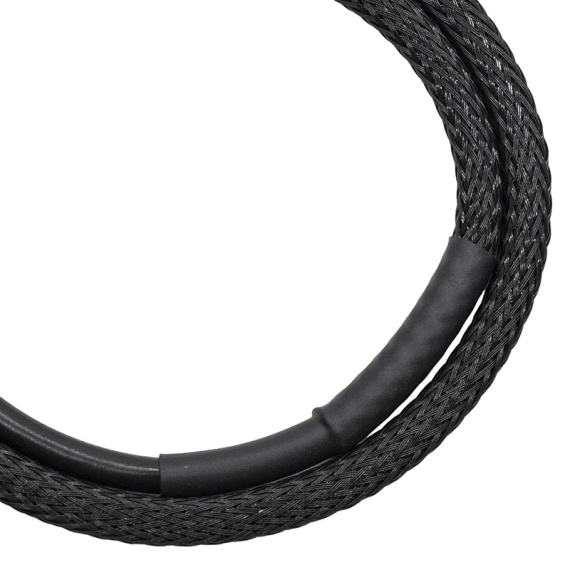
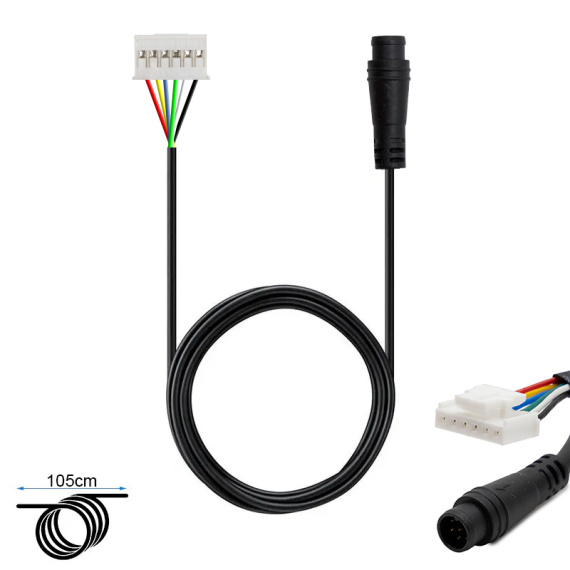
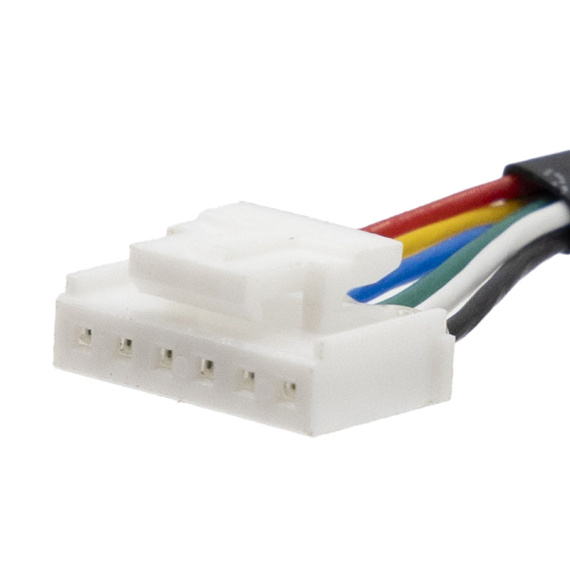
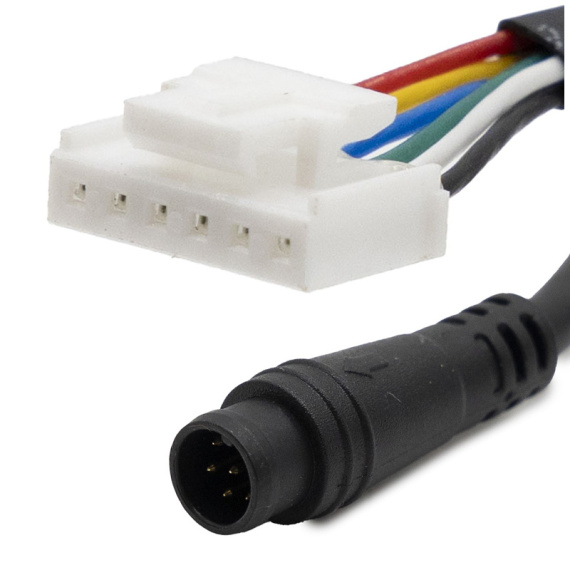
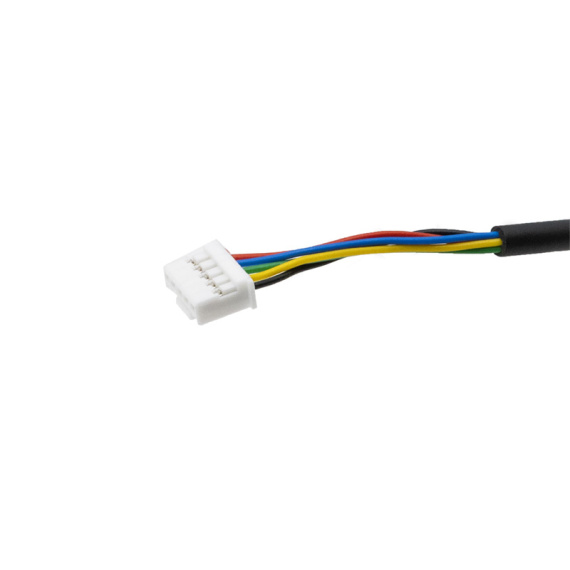
Niu KQi AIR controller-display cable: the essential element for ensuring a reliable connection between the control electronics and display of your electric mobility machine. Designed by Niu, this cable is aimed at users and workshops looking for a solution to restore communication between components, secure operation and restore clear reading of driving information.
In the event of power cuts, unstable displays or after work on the wiring harness, this display-controller cable restores the link circuit involved in information and command management. It is an integral part of the world of cable buses and accessories, as well aselectronic parts for maintenance and repair.
This component is part of a serious approach to electric mobility maintenance, where the quality of connections and wiring harnesses plays a decisive role in overall reliability, safety of use and equipment longevity.
Scroll down the page to see detailed technical specifications at the bottom ↓
Warranty : 2 years
Last items in stock

Delivery in 3 to 5 business days
Free for orders over €299

Need help?
Contact one of our experts !

Returns within 14 days
Last items in stock
Product overview
The Niu KQi AIR controller/display cable is an essential link for connecting the dashboard to the controller of your electric scooter. Designed for the Niu KQi AIR range, this connection harness/cable ensures the transmission of information and signals between the control electronics and the user interface, for clear steering and reliable reading of data on the display.
Concrete benefits for the user
By replacing a damaged, cut or loose cable, you restore stable communication between controller and display, which can solve problems such as a screen that won't light up, inconsistent data or irregular interface operation. This cable helps to restore a clean, correctly connected electrical system, essential for the proper daily use of a Niu electric scooter.
Technical specifications
This is a cable dedicated to Niu electronics, positioned between the controller (electrical management unit) and the display (information/command module). It belongs to the cable bus and accessory family, and is designed for integration into the electrical harness of a soft mobility scooter.
Recommended uses
This display-controller cable is recommended for repairing or overhauling the connection circuit between the display and the controller on a Niu KQi AIR, particularly in cases of wear, pinched cables, tired connections, or after a diagnosis indicating a loss of communication between the display and the control electronics.
Compatibility
Compatibility indicated: Niu KQi AIR.
Installation and precautions
Work is carried out on the electronics: switch off the power supply before any operation, and take care not to force the connectors. Clean cable routing (no twisting, pinching or pulling) helps avoid false contacts and premature damage to the deck or steering column.
Expert advice
Before replacement, identify the exact fault zone (connector, internal cut, oxidation) and inspect the condition of the connectors on the controller and display sides. During installation, keep to the original wiring harness routing, and secure cable routing to limit chafing and pinching, particularly in moving areas or close to edges. In the event of persistent failure after replacement, diagnostics must be extended to the controller and display module.

![Tubeless tire 90/65-6.5 [CST]](https://doctibike.com/18715-medium_default/tubeless-tire-90-65-65.jpg)
![Front wheel Xiaomi Mi5 Max [ORIGINAL]](https://doctibike.com/19452-medium_default/xiaomi-mi5-max-front-wheel.jpg)
![Xiaomi Mi5 Pro display screen [ORIGINAL]](https://doctibike.com/16092-medium_default/xiaomi-mi5-pro-display-screen-original-.jpg)
![Tubeless Tire 18x9.5-8 / 225/55-8 Smooth [Feiben]](https://doctibike.com/18582-medium_default/tubeless-tire-18x9-5-8-225-55-8-smooth.jpg)