


Guaranteed Reviews

Free shipping from €299

Installment payment with no fees via Alma

2-year warranty
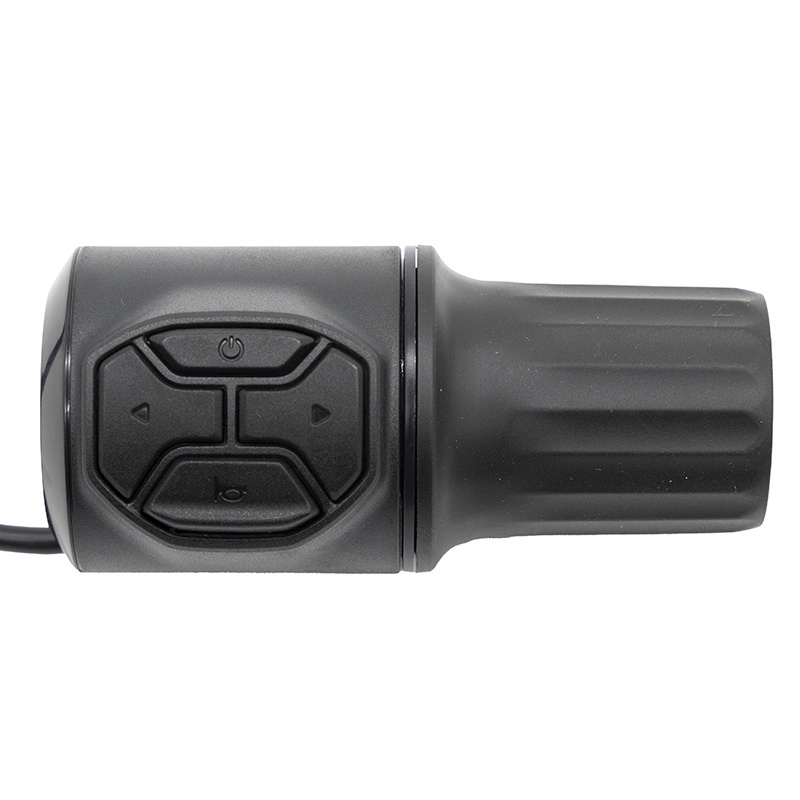
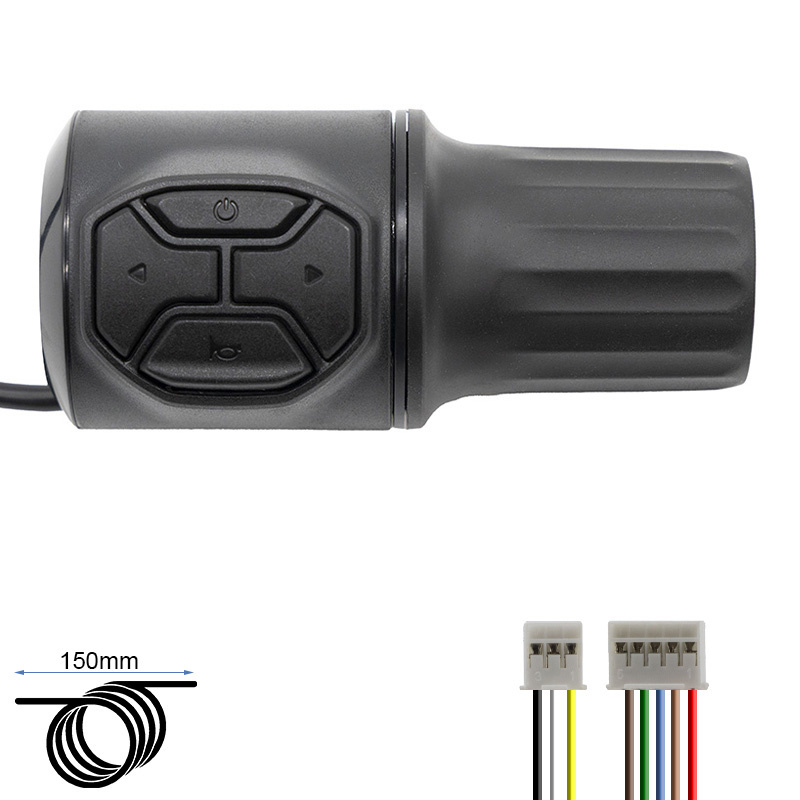
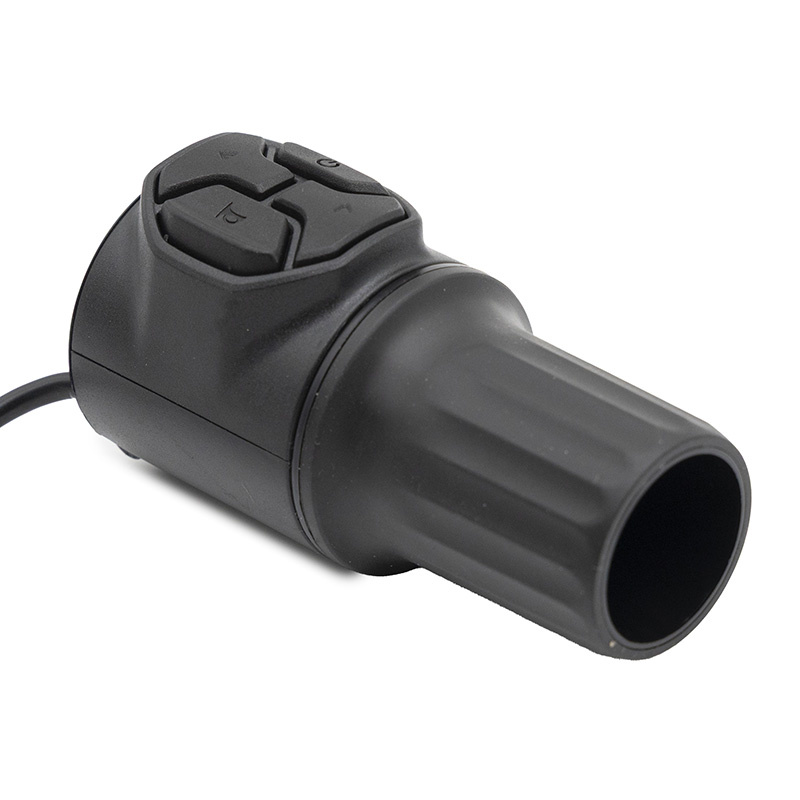
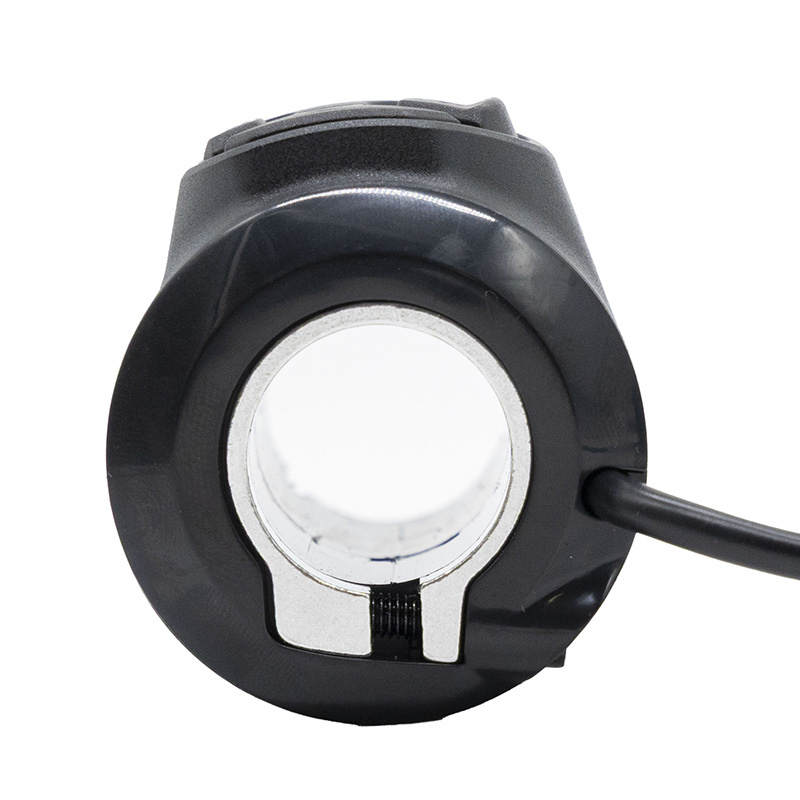
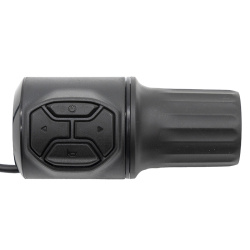
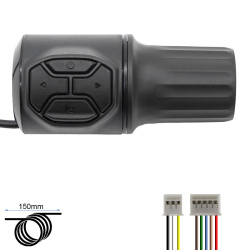
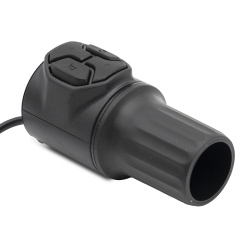
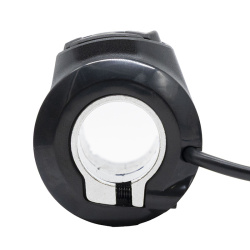
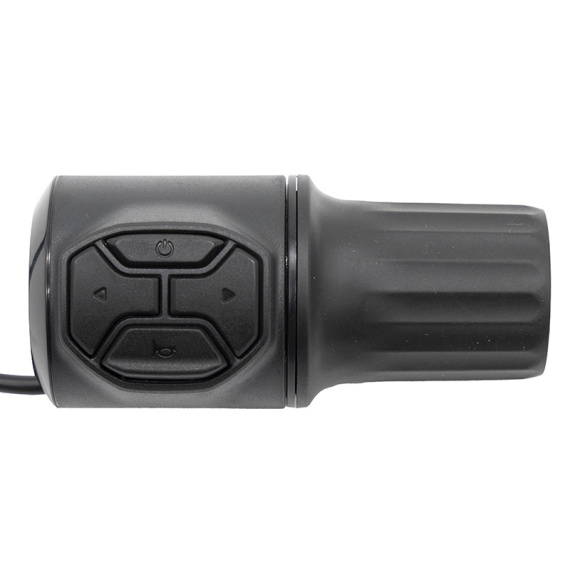
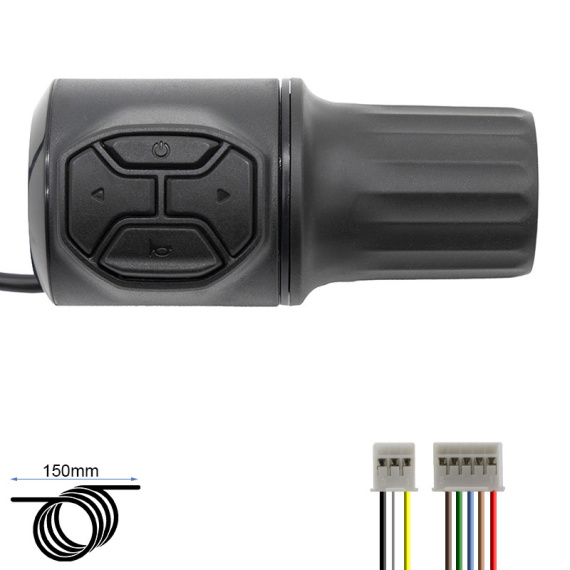
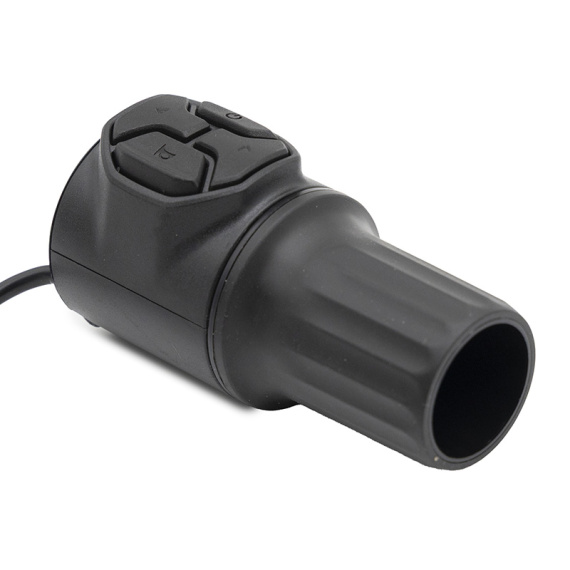
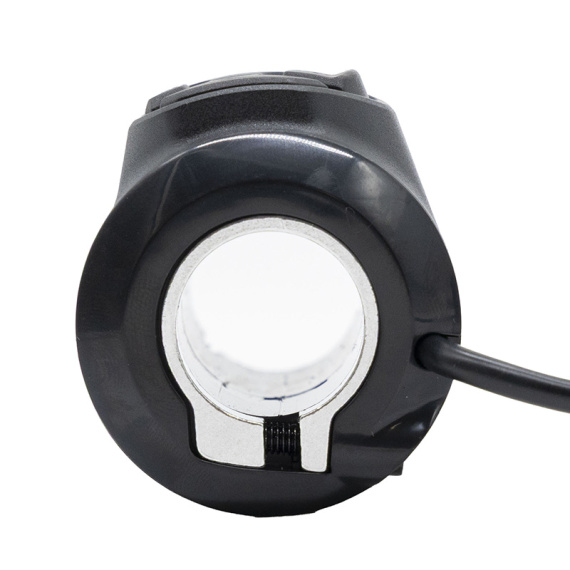
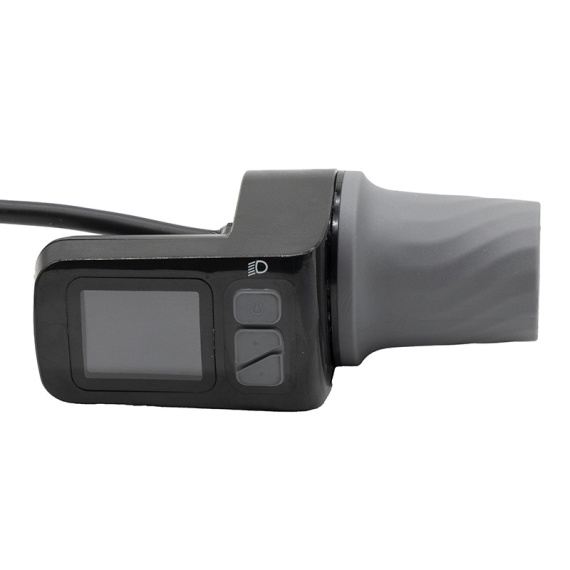
Niu KQi AIR throttle: an essential piece ofelectronics to ensure reliable, comfortable throttle control on your electric mobility device. Designed by Niu, this throttle is intended for replacing a worn, damaged or irregularly functioning component, to restore smooth operation and better handlebar control.
Whether in the workshop or during routine maintenance, a well-maintained throttle contributes directly to safety and riding precision: more consistent responsiveness, a more stable control feel and reduced jerking due to tired controls. This part is part of the world of gas pedals and sensors, and is at the heart of steering, linked to your mobility's electronic system.
Scroll down to see detailed technical specifications at the bottom of the sheet ↓
Warranty : 2 years

Delivery in 3 to 5 business days
Free for orders over €299

Need help?
Contact one of our experts !

Returns within 14 days
Description
The Niu KQi AIR throttle is an electronic part designed to control the acceleration of your Niu electric scooter. It replaces a worn, damaged or malfunctioning throttle (cut-off, irregular response, lack of progressiveness) with a functional, responsive throttle. Ideal for making everyday riding safer, this throttle helps keep your Niu KQi AIR running smoothly and under control.
Benefits for the user
By replacing a faulty throttle, you restore reliable control of your electric scooter's speed. This helps to limit jerky acceleration, improve control when starting off and moving off in traffic, and restore consistent behavior between throttle input and electric assist system response.
Technical specifications
- Product type: gas pedal handle (throttle control)
- Brand: Niu
- Related model: KQi AIR
Recommended use
This gas pedal handle is recommended for maintenance and repair of a Niu KQi AIR electric scooter, particularly in the event of loss of response, jerky acceleration or imprecise control. It can also be used for preventive maintenance when the original control shows signs of wear.
Compatibility
Compatibility explicitly stated: Niu KQi AIR.
Expert advice
Before replacement, check that the fault is actually in the throttle grip (and not in the controller, harness or connector). During installation, make sure that the connectors are clean, correctly engaged and that the cable is not pinched, to avoid false contacts. After installation, carry out a test run with the wheel up or in a clear area to confirm a gradual build-up of speed and a stable acceleration response.


![Pink display with acceleration index to JP 6 [J&P]](https://doctibike.com/16175-medium_default/pink-display-with-acceleration-index-to-jp-6-jp-.jpg)

![Tubeless radial tire soft JUNIOR 90/65-6.5 [PMT]](https://doctibike.com/19888-medium_default/junior-90-65-65-pmt-soft-radial-tubeless-tire.jpg)