


Guaranteed Reviews

Free shipping from €299

Installment payment with no fees via Alma

2-year warranty
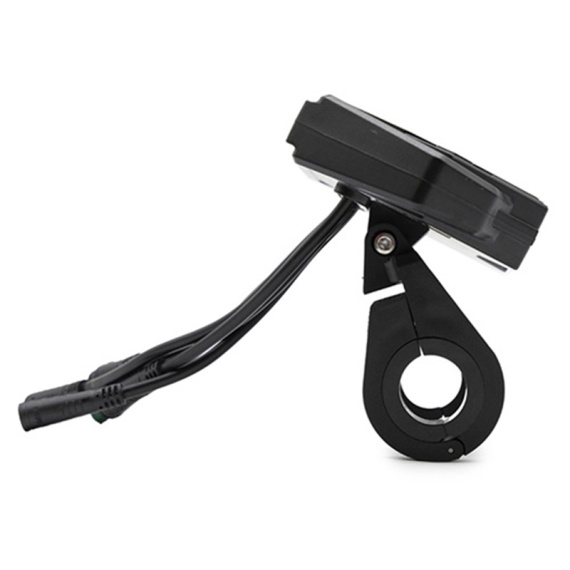
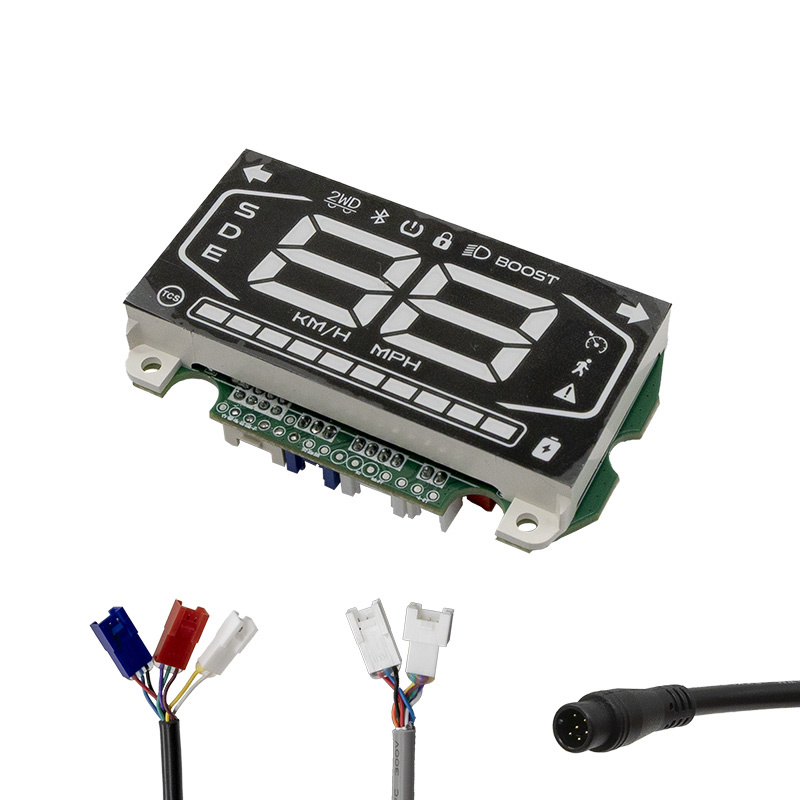
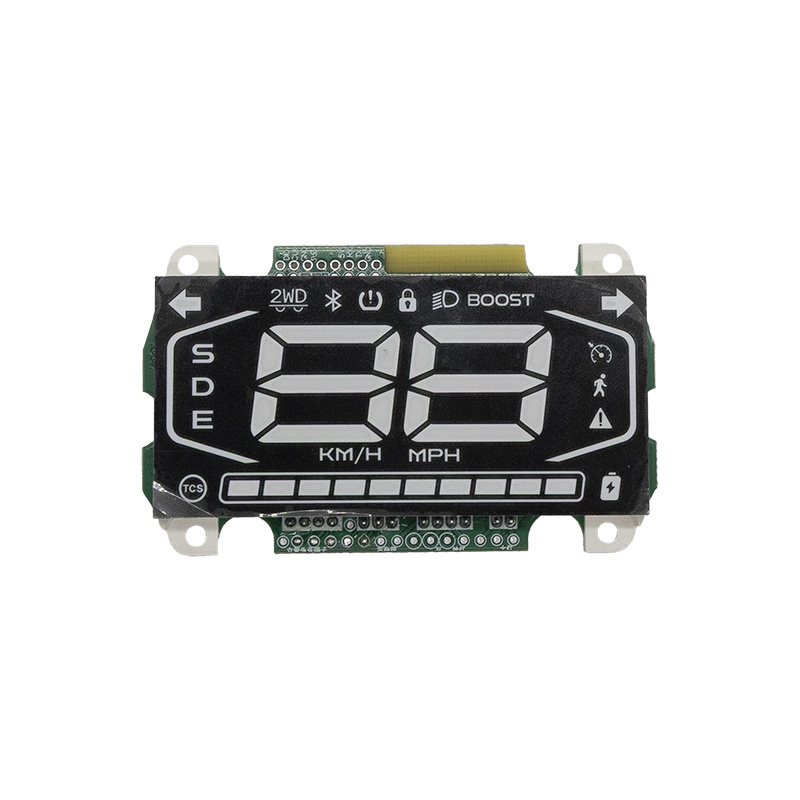
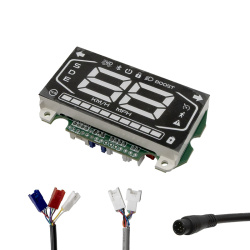
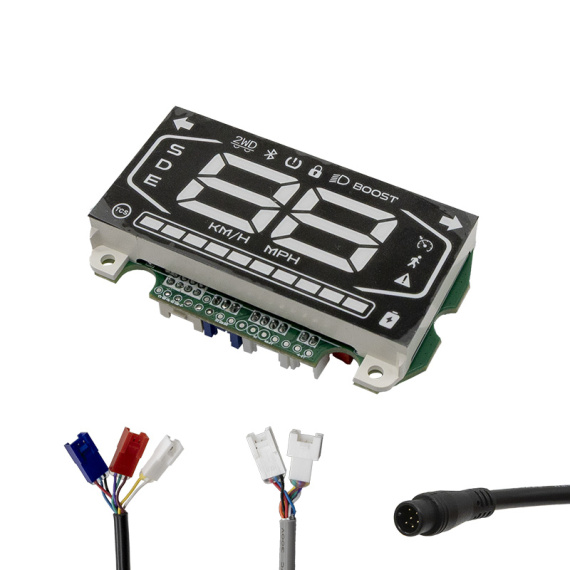
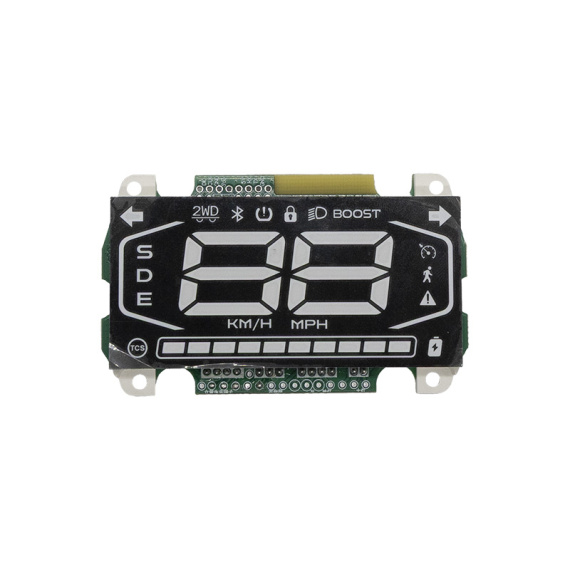
Optimize the control of your electric bike with theunbridled Ninebot ZT3 Pro display: a display solution designed to provide clear reading of riding information and freer use on a daily basis. Ideal as a replacement or upgrade, this screen/display contributes to a smoother electric mobility experience, with direct access to essential data during your rides.
Primary function: to ensure thedisplay of useful driving information and facilitate control of your electronic system.
Why choose this display?
Usage & compatibility: this product is designated as a Ninebot ZT3 Pro display.
Scroll down the page to see detailed technical specifications at the bottom ↓
Warranty : 2 years

Delivery in 3 to 5 business days
Free for orders over €299

Need help?
Contact one of our experts !

Returns within 14 days
Product overview
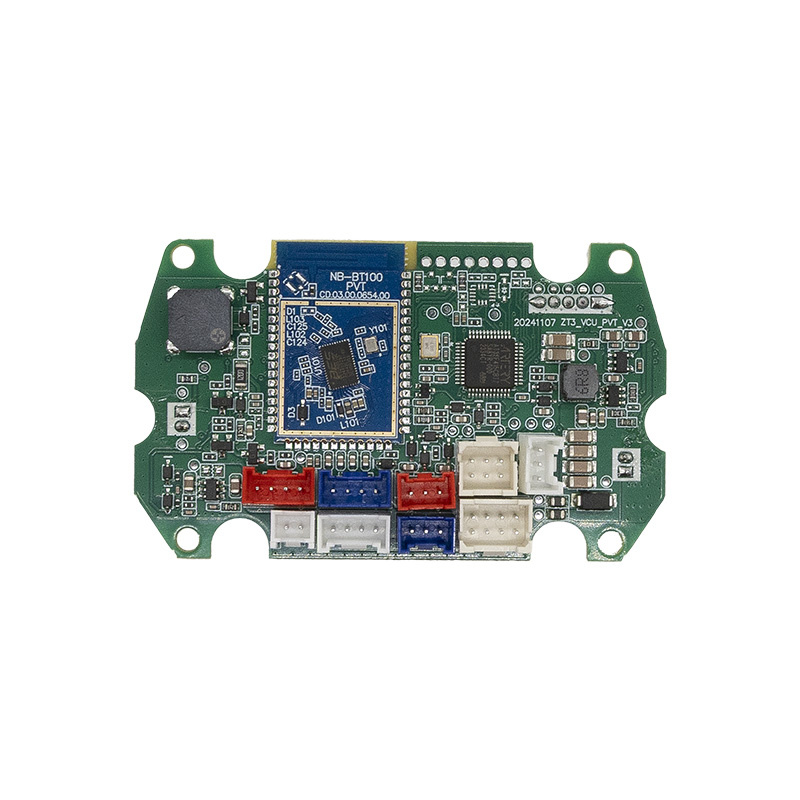
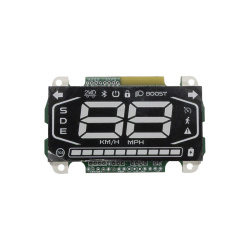
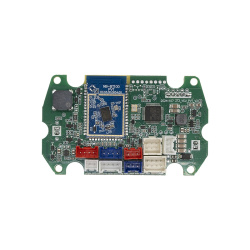
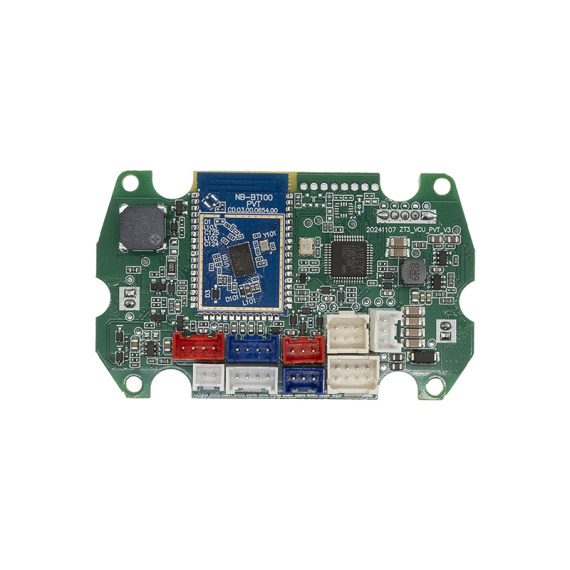
The Ninebot ZT3 Pro screen is a replacement electronic part designed to display and control essential information on your soft mobility device. This control screen provides a centralized, easy-to-read interface for monitoring your riding data and interacting with the system, in the event of a refurbishment or replacement of a faulty display.
Benefits for the user
By replacing a damaged or non-functional display, you restore access to driving information and settings available via the display. You'll improve data readability during use, and you'll find your cockpit more practical for day-to-day use, particularly for monitoring your device's status and navigating the settings accessible via the display.
Technical specifications
- Type: screen / display (control and information module)
- Designation: "unbridled" screen
Recommended uses
This display module is recommended for replacing an existing Ninebot ZT3 Pro display when the aim is to reactivate the display and associated functions. It is also suitable for electronic maintenance or repair work to make the control station more reliable.
Compatibility
Compatibility listed: Ninebot ZT3 Pro.
Expert advice
Before purchasing, identify your model precisely (Ninebot ZT3 Pro) and check that the connections and layout of your original screen match your version. When replacing, switch off the power supply, handle the connectors with care and avoid pulling on the harness. After installation, check that the display and associated controls are working properly before prolonged use.


![Display Ninebot F2/F2 Pro [Ninebot]](https://doctibike.com/16230-medium_default/display-ninebot-f2-f2-pro-ninebot-.jpg)

![Display screen Xiaomi Mi4 Pro Plus [ORIGINAL]](https://doctibike.com/16124-medium_default/display-screen-xiaomi-mi4-pro-plus-original-.jpg)